Payroll compliance software for Australian employers
PaidRight's compliance engine checks every shift, every employee, every pay run, against the award or agreement that applies to them. Built on 10+ years of Australia's toughest payroll problems, it catches what spreadsheets and sample audits miss.
Scroll to explore
wrkr
Payroll risk assessments
Wage remediation
Ongoing compliance
10+ years solving Australia's toughest payroll problems
No sampling. Every employee is checked, every time pay runs, not just a slice of your workforce once a year.
PaidRight runs as a separate check outside your existing systems, so the same errors can't slip through twice.
Every result comes with a clear audit trail, ready to hand to regulators, boards or legal counsel if you're ever asked to prove it.
Built on a decade of experience untangling the country's most complex awards and enterprise agreements.
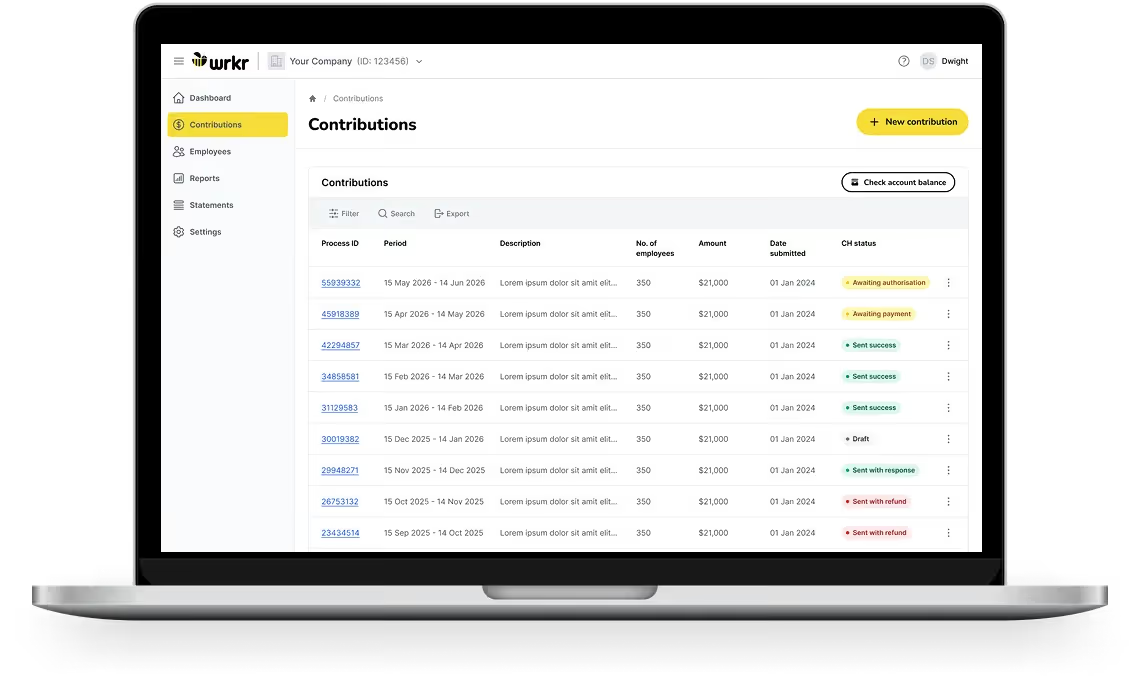
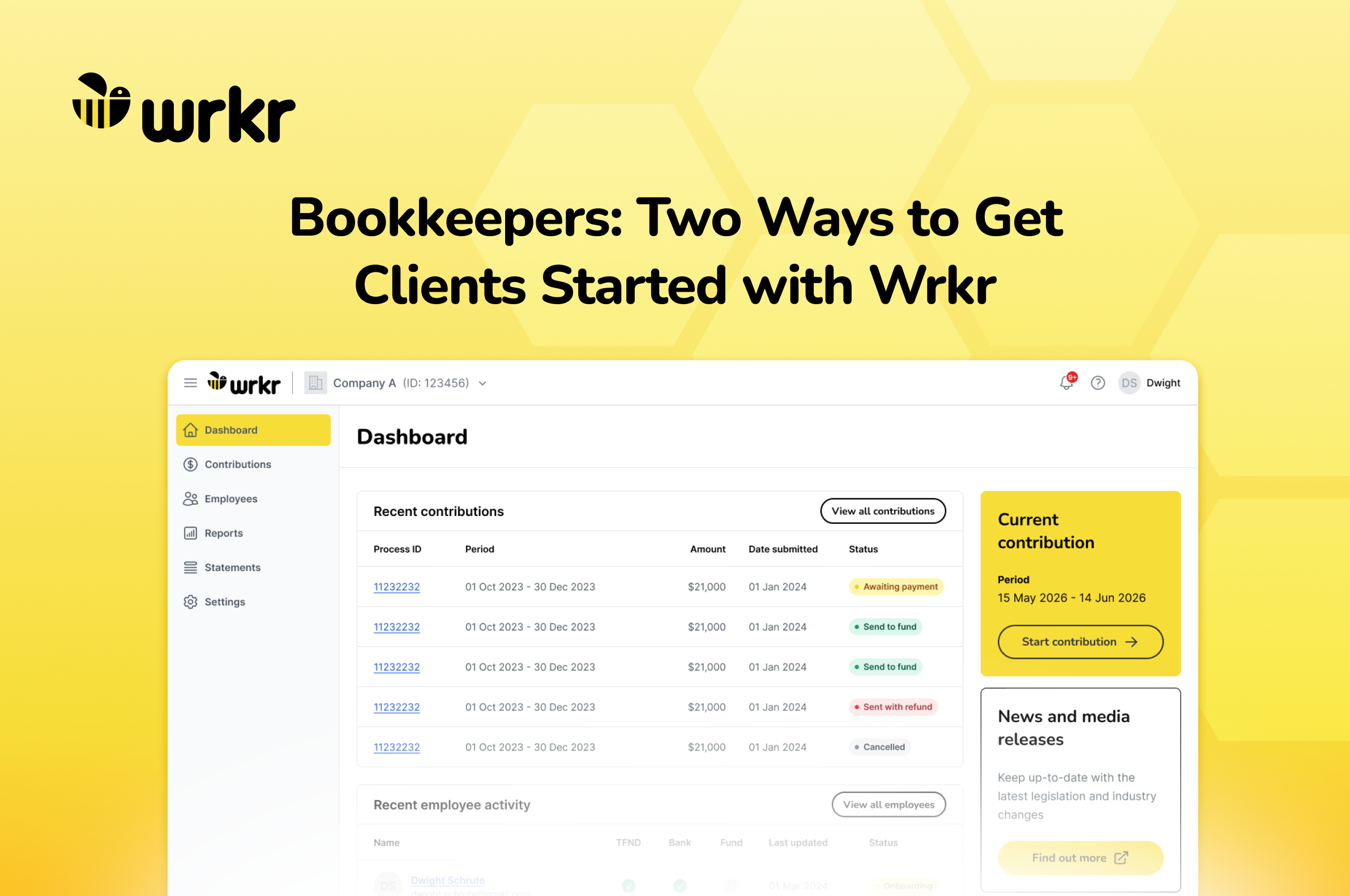
Timestamped contribution timelines
Track every contribution from submission through to fund confirmation, with a structured, timestamped timeline showing what’s processed, pending or requires attention.
Submit and pay your way
Create and submit contributions via file upload, or manual entry with flexible payment options to suit how your business or clients operate.
Built-in error checks and in-line editing
Identify issues before submission and manage returned or failed payments in one place, with clear visibility into what went wrong and how to resolve it.
Multi-business access and control
Manage multiple businesses or clients from one secure login, with controlled access for payroll teams and bookkeepers across every contribution.
How PaidRight works
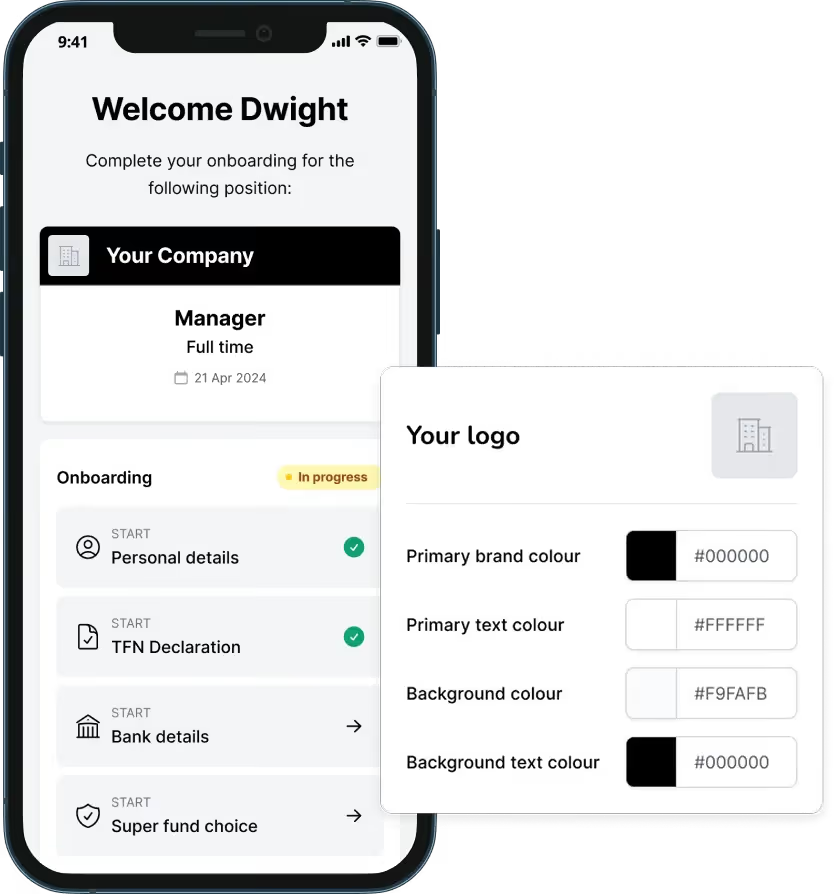
Mobile onboarding screen for manager role with status and brand color customization panel.
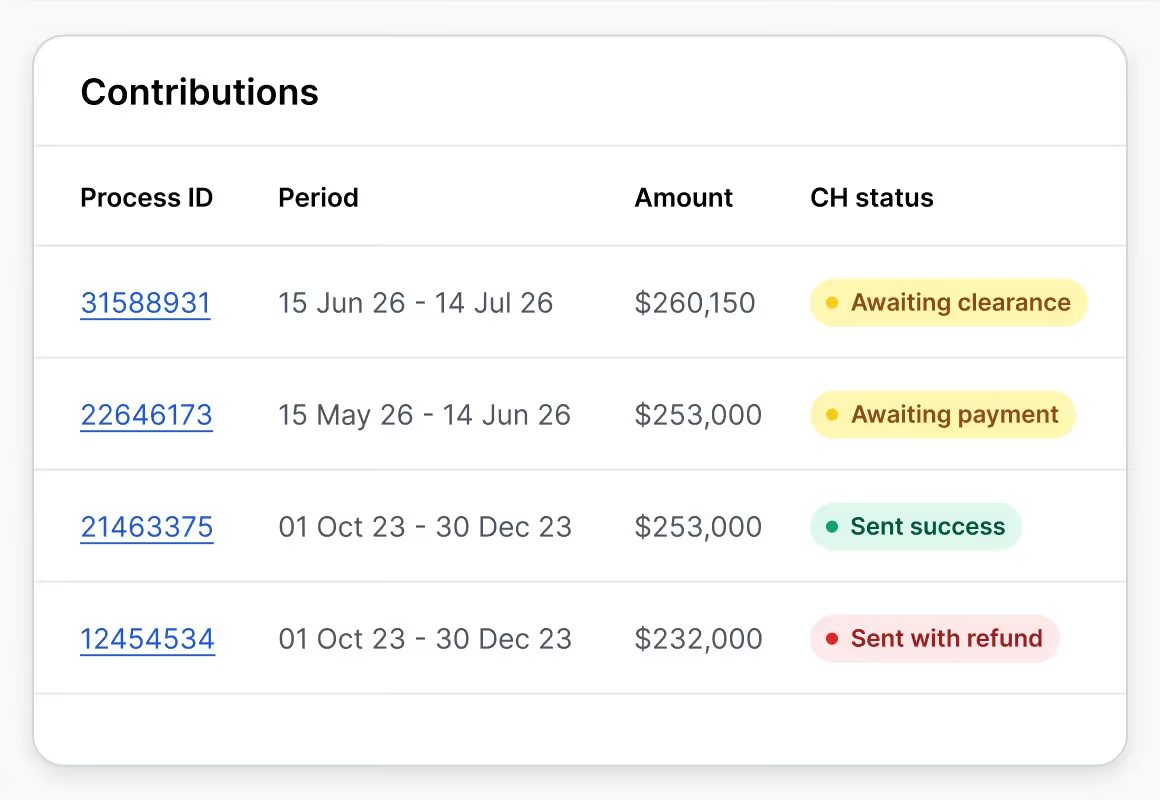
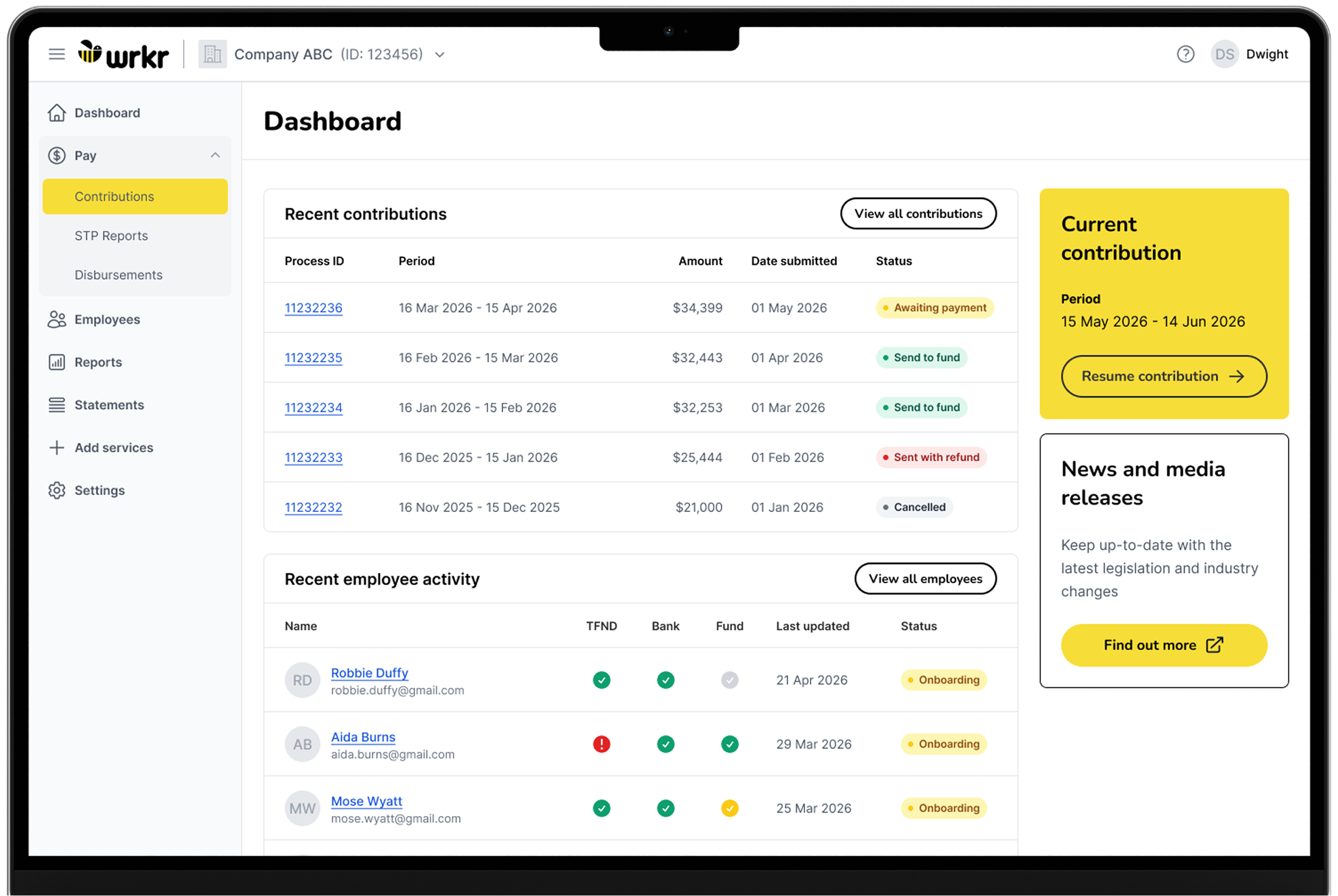
Laptop screen shows wrkr app Contributions tab with a table of payments and their statuses.
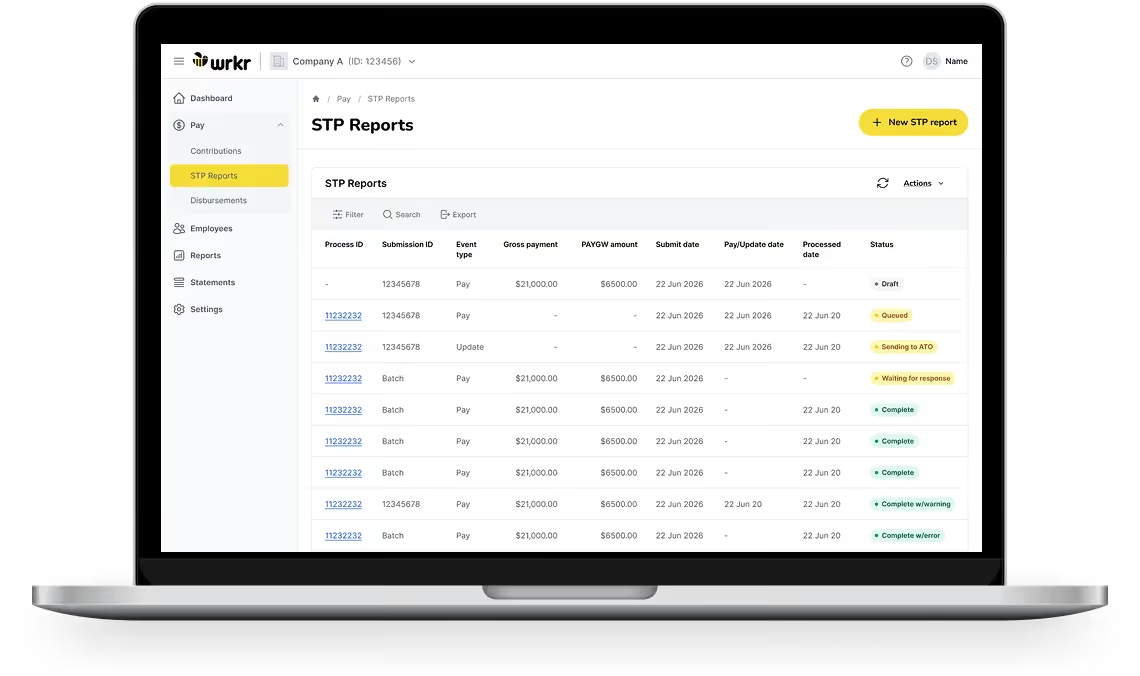
Laptop screen showing STP Reports page with payroll data, statuses, and option to create new report.
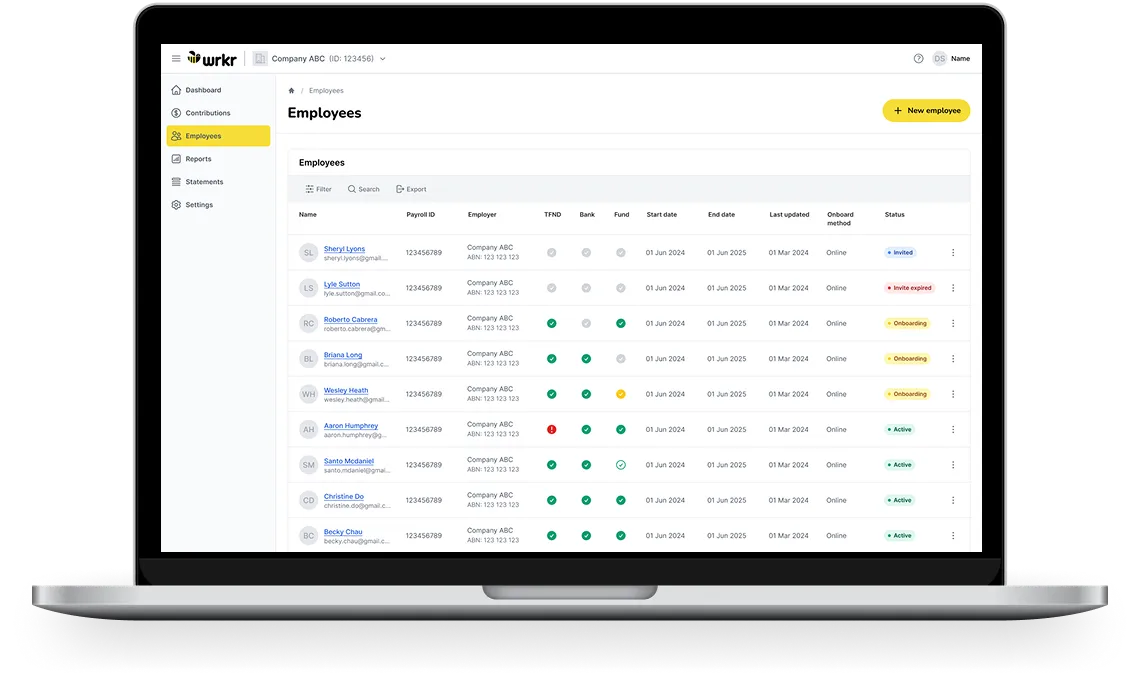
Laptop screen showing employee management dashboard with statuses like invited, expired, onboarding, and active.
Simple black user profile icon with head and shoulders silhouette.
Award & Enterprise Agreement Builder
Capture and check employee details, fund choice and ID from day one.
Workflows and delegation
Submit and track Payday Super contributions each pay run, with clear visibility through to fund receipt.
Icon of a briefcase with a dollar sign representing finance or payroll.
Reporting
Manage STP reporting, wage payments and payroll obligations through one connected workflow.
Black shield with a checkmark symbolizing security or protection.
Credentials
Verify workforce credentials and work rights with ongoing visibility into expiry and compliance status.

      This has been the smoothest remediation I’ve been a part of. The PaidRight team was far more responsive and insightful than any other company I’ve worked with. Their approach made what is usually a complex and time-consuming process feel straightforward and efficient. I couldn’t be more impressed with their expertise and execution.

Daniel
PaidRight Customer
15 billion+
in wages reviewed
500,000+
employees in Australia reviewed
500+
awards and enterprise agreements built
The PaidRight engine
Ongoing compliance monitoring
Continue managing and paying your super contributions through ClickSuper. Log in below to access your existing account.
Table showing contributions with process IDs, periods, amounts, and CH status including awaiting and sent statuses.
Wage remediation calculation
PaidRight calculates historic underpayments, using an independent model built on your defensible interpretation of every clause in your awards and agreements, with full evidentiary trails for regulators, boards and legal counsel.
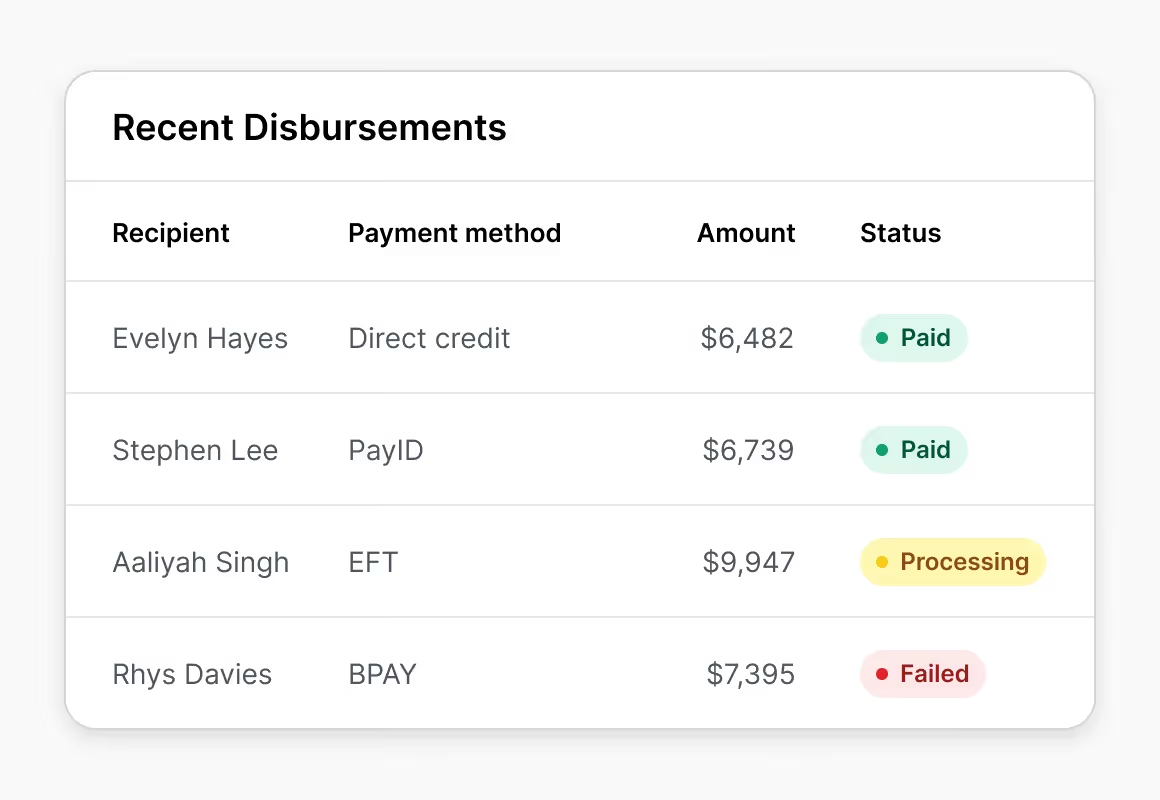
Table of recent disbursements with recipients, payment methods, amounts, and statuses paid, processing, or failed.
Risk assessments
Understand your payroll risk profile. Load a sample of your employee data onto the platform and get a clear read on your organisation's exposure, so you know what you're dealing with before committing to other projects.
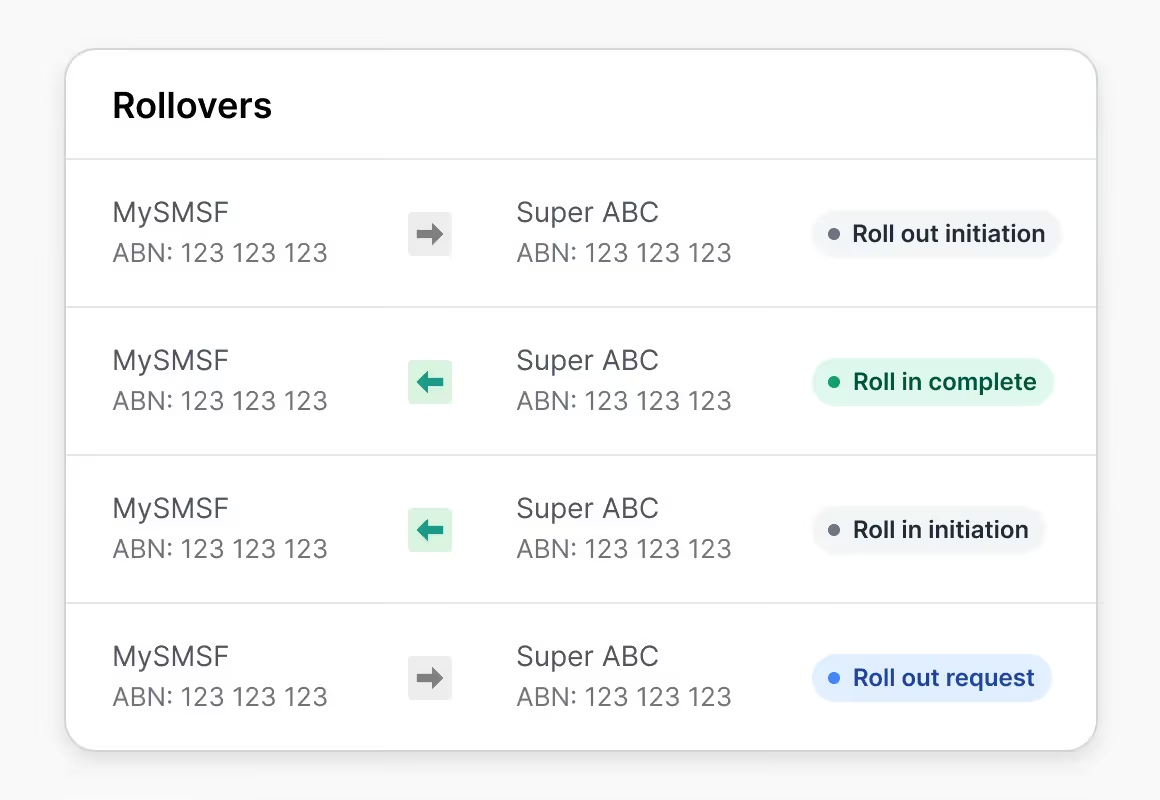
Table listing rollovers between MySMSF and Super ABC accounts with statuses like Roll out initiation and Roll in complete.
Platform architecture
Forgotten your username or need help with your ClickSuper account? Our support team is available to assist with any questions or account issues. Please include your ABN in your enquiry so our team can assist you promptly.
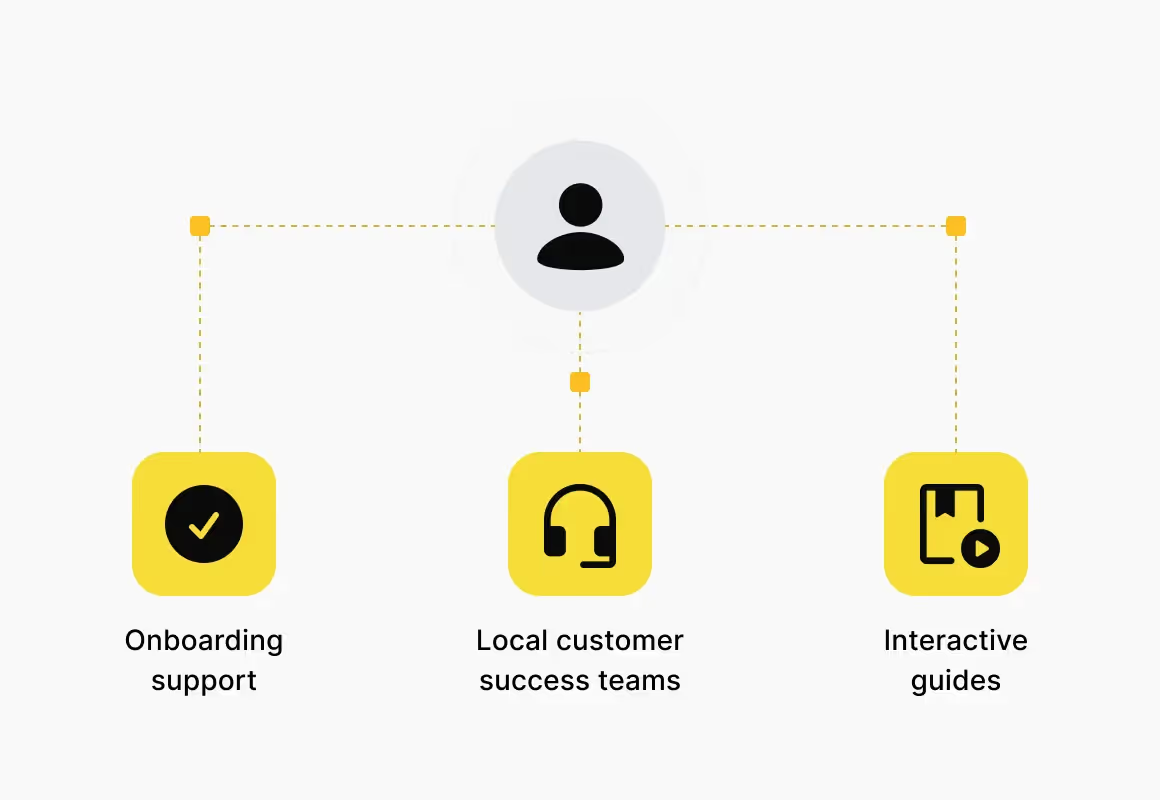
User icon connected to onboarding support, local customer success teams, and interactive guides icons.
Compliance
Enterprise-grade security
and compliance infrastructure
Wrkr combines secure infrastructure, regulated gateway connectivity and enterprise-grade controls to support payroll, onboarding and super obligations at scale. With ATO-connected workflows, audit trails and recognised security standards.
Frequently asked questions
Can I still use ClickSuper?

Yes. ClickSuper remains supported and Payday Super compliant. You can continue using it as usual, including super contributions, and for paying wages and disbursements.

How do I login, and to my details still work?

Use the Super Contributions login button above. Your existing username and password work as they always have, nothing's changed. If you've forgotten your username or can't log in, contact support above and include your ABN so the team can find your account quickly.

How do I reach support?

Visit the ClickSuper Help Centre or use the contact support button above. Include your ABN so the team can assist you quickly.

Do I need to migrate from Clicksuper to Wrkr?

You may be prompted to migrate to Wrkr at some point, but we'll be in touch directly if and when that happens. Until then, you can keep using ClickSuper as usual.

I use SMSF Hub, not ClickSuper, where do I go?

SMSF Hub is separate from ClickSuper. If you're already a Wrkr SMSF Hub user, log in via the SMSF Hub button above. Need access as an ESA? Register with Wrkr to get set up.

Support email
super@bussq.com.au
super@bussq.com.au