Black square icon with a circular shape in the center and four small lines extending inward from corners.
SMSF Hub

Manage SMSF ESAs, contributions, rollovers and release authorities with confidence.

Manage SMSF workflows with secure SuperStream messaging, clear visibility and streamlined processes for trustees and accountants.
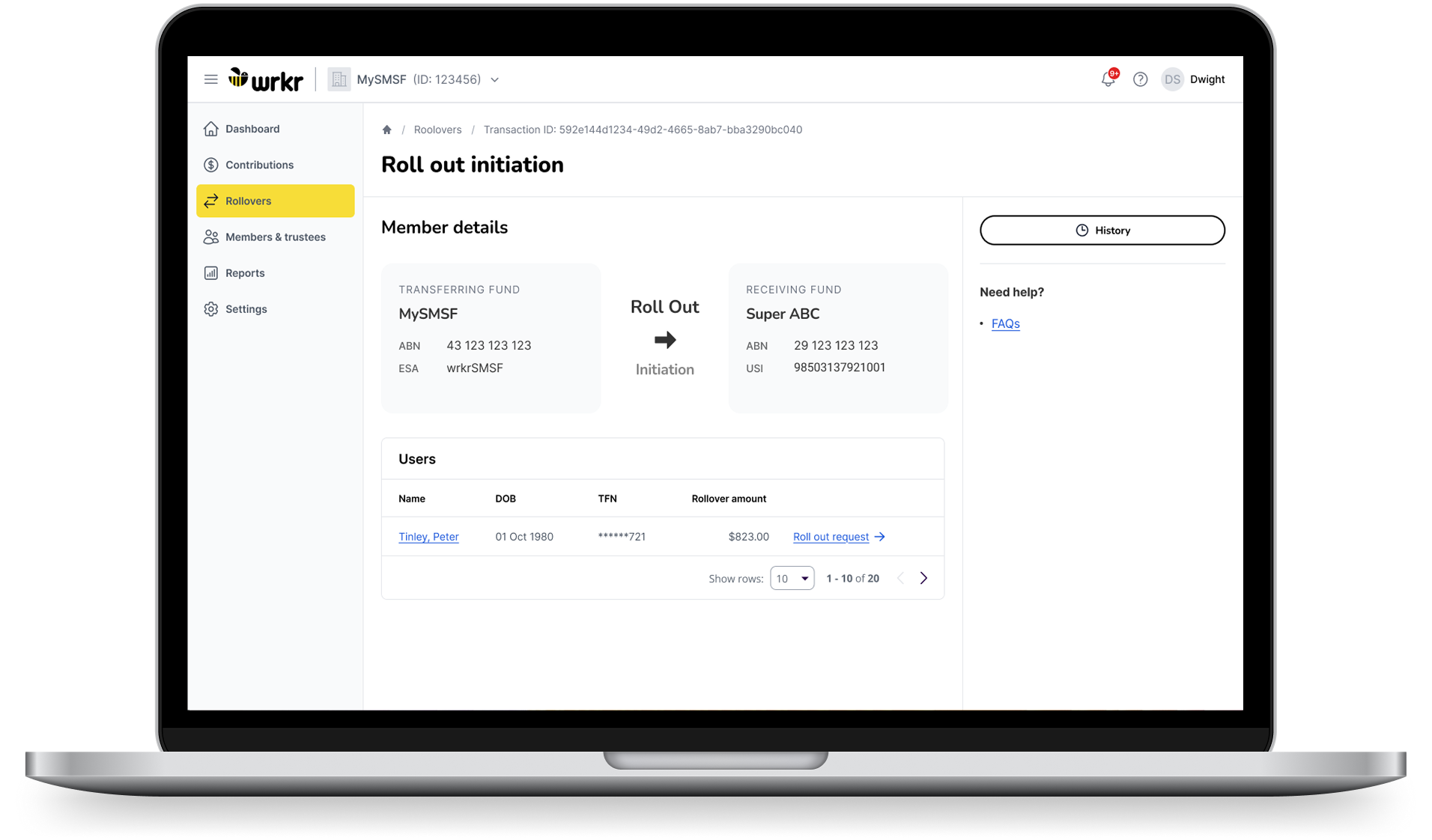
Laptop screen showing SMSF dashboard with rollover initiation and member details for Peter Tinley.
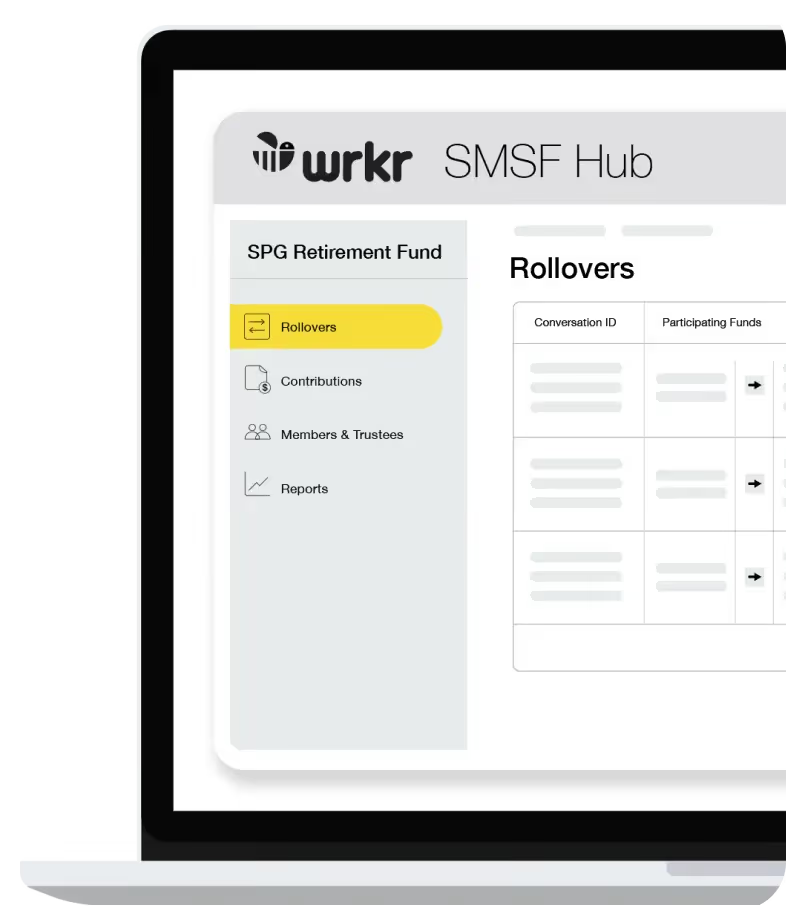
Laptop screen showing wrkr SMSF Hub with sidebar options and Rollovers page for SPG Retirement Fund.
SuperStream messaging
and ESA
Rollover and contribution
management
Centralised SMSF data
and reporting
Get Electronic Service Addresses (ESAs) instantly and manage SuperStream messaging for contributions and rollovers across SMSFs.
Perform rollovers between APRA funds and SMSFs, manage contributions and action release authorities in one connected platform.
Access contribution data, rollover activity and reporting in one place, with clear visibility for trustees, accountants and auditors.
SuperStream messaging and ESA
Get Electronic Service Addresses (ESAs) instantly and manage SuperStream messaging for contributions and rollovers across SMSFs.
Rollover and contribution management
Perform rollovers between APRA funds and SMSFs, manage contributions and action release authorities in one connected platform.
Centralised SMSF data and reporting
Access contribution data, rollover activity and reporting in one place, with clear visibility for trustees, accountants and auditors.
For Trustees
Get your Electronic Service Address (ESA) instantly and manage rollovers to and from APRA funds or other SMSFs.
Access contribution data, action release authorities and download reports for advisers, accountants and auditors, all in one place.
$49.99
Per annum/Ex GST
For Accountants
Set up ESAs for SMSF clients and manage multiple funds from one secure login.
Perform rollovers, access member contribution data, receive and action ATO release authorities, and download reports across your entire client base.
Black rounded shape with a quarter circle cut out on the top left corner.
Built for SMSFs
Minimalist icon of a right angle with a subtraction symbol inside the corner.
Simplify SMSF contributions, rollovers and compliance workflows
One place to manage core SMSF workflows
Manage ESA setup, contributions, rollovers and release authorities through one connected platform instead of fragmented systems and manual processes.
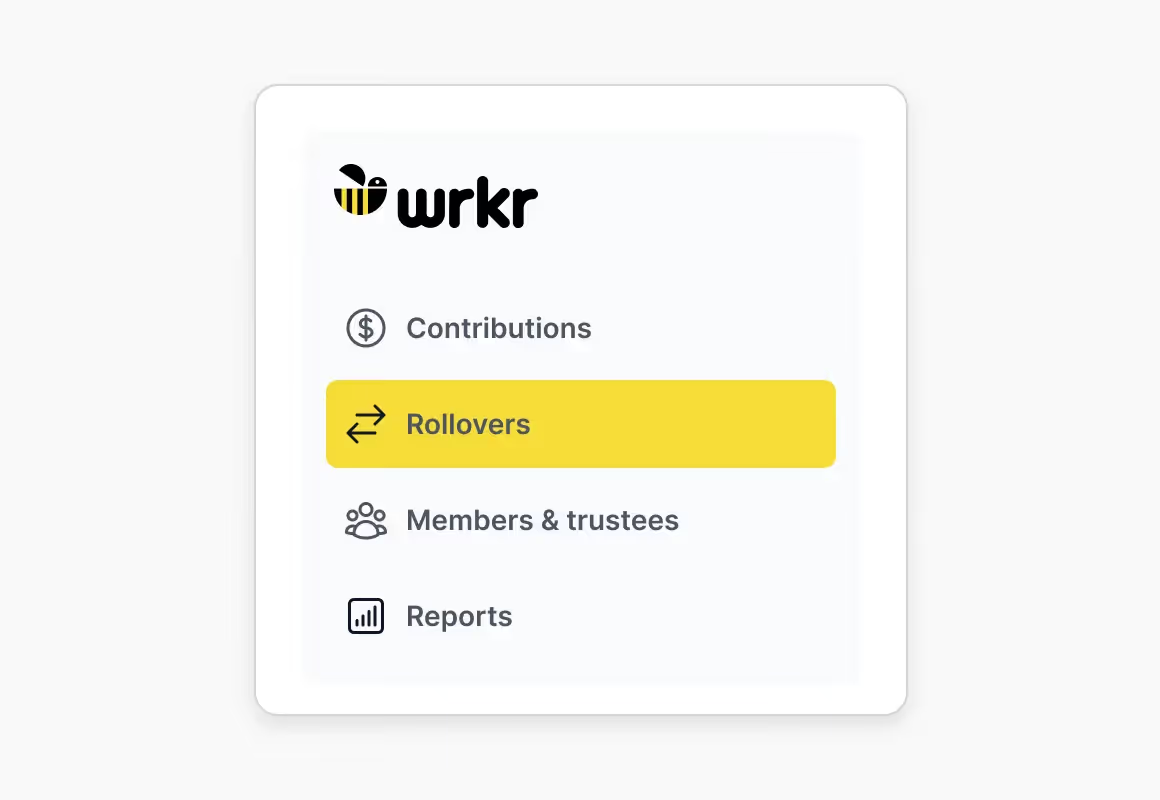
Wrkr menu with options: Contributions, highlighted Rollovers, Members & trustees, and Reports.
Faster access to the information that matters
View contribution activity, rollover records and reporting in one place, helping trustees and accountants manage SMSFs more efficiently.
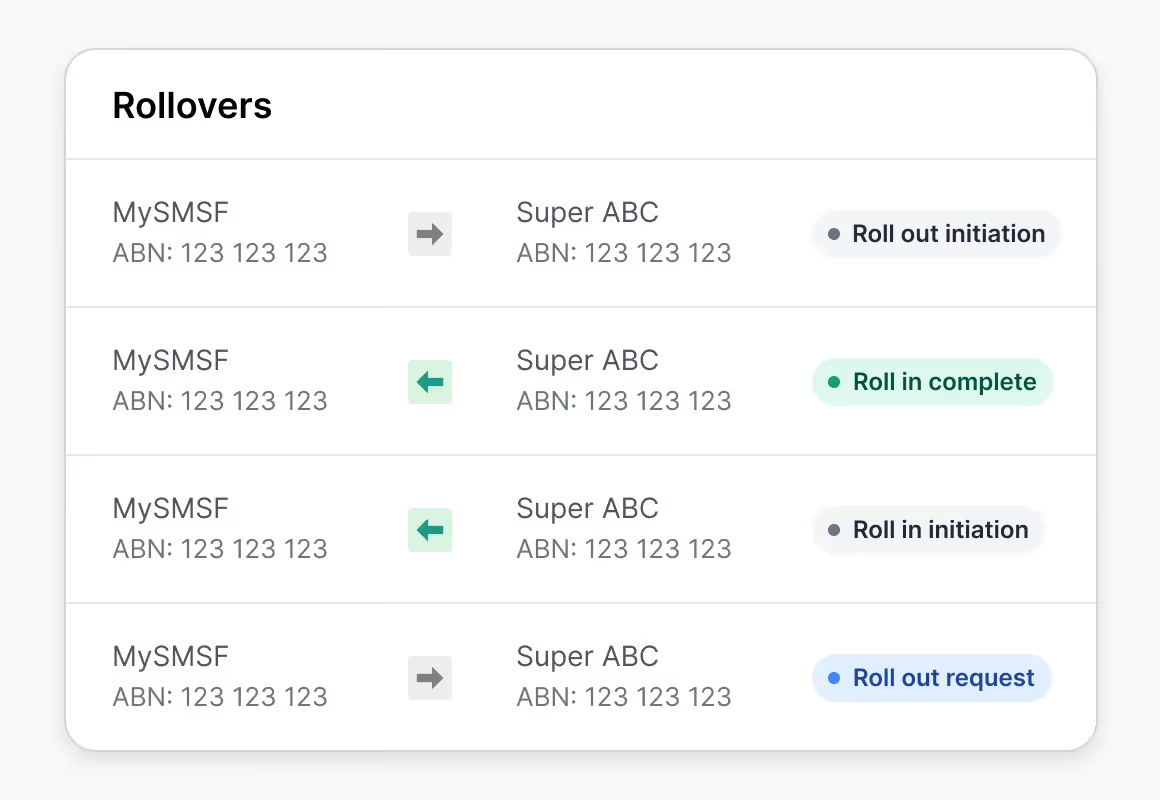
Table listing rollovers between MySMSF and Super ABC accounts with statuses like Roll out initiation and Roll in complete.
Clear visibility across SMSF compliance activity
Maintain audit-ready records across SuperStream messaging, contributions and release authority actions with visibility across every workflow.
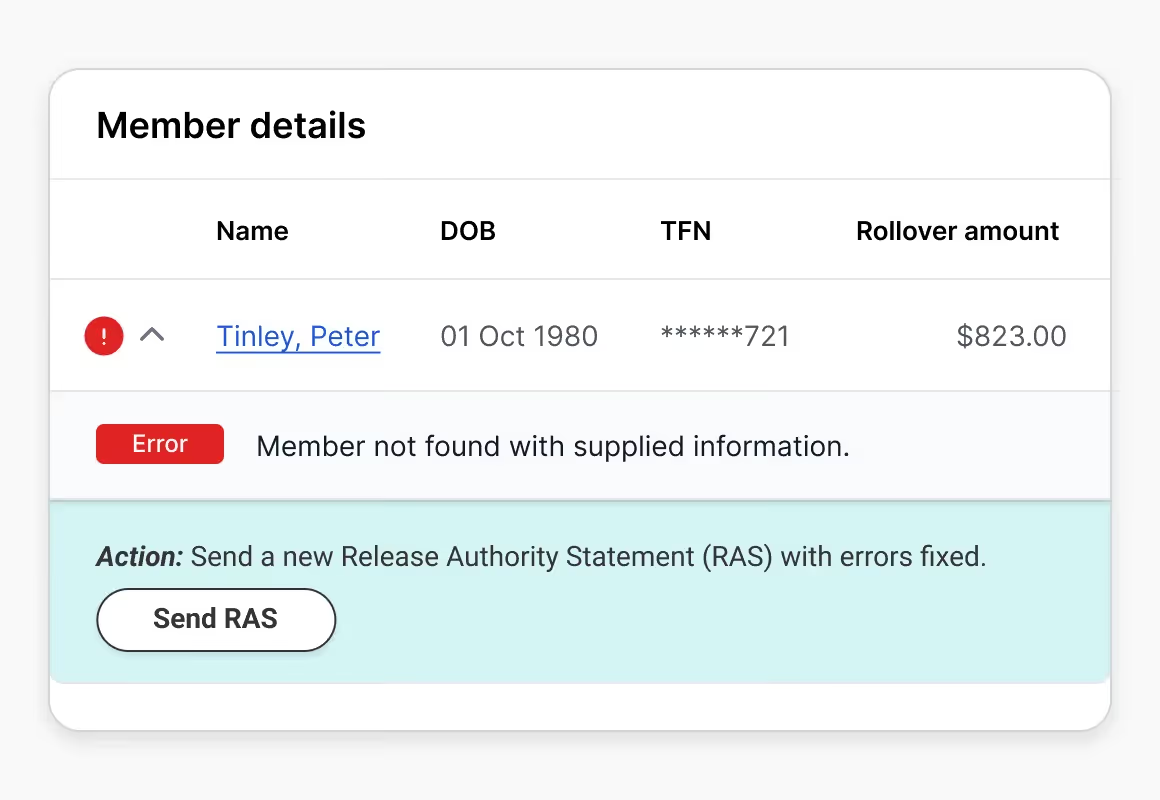
Member details showing error for Peter Tinley, DOB 01 Oct 1980, TFN partially hidden, $823 rollover amount.
Compliance
Enterprise-grade security
and compliance infrastructure
Wrkr combines secure infrastructure, regulated gateway connectivity and enterprise-grade controls to support payroll, onboarding and super obligations at scale. With ATO-connected workflows, audit trails and recognised security standards.

      Been very happy with the Wrkr SMSF Hub. Great source of information for contributions, rollovers as well as facilitating rollovers for clients. Clear and concise access to the information I need that is relevant.

Shane
Accountant

     Our experience to date with the Wrkr SMSF Hub has been good. The dashboard is easy to use and not complex. Any queries that we’ve had have been sorted out quickly.

Clair
Administrative Manager
4M+
Australian workers across platform
80,000+
employers trust WRKR
38,000+
SMSF's serviced through Wrkr
Frequently asked questions
What is an Electronic Service Address (ESA)?

An Electronic Service Address (ESA) is an alias used by your SMSF that represents the provider to which SuperStream data should be sent – it is not a number. SuperStream data is sent electronically and consists of contribution, rollover and release authority messages.

Wrkr is a provider of ESA services and is compliant to process all SuperStream data for SMSF SuperStream compliance. An ESA is only related to the SuperStream data part of the process, not payment processing. For any queries relating to contribution payments, your employer is the best party to seek assistance from.

What information do I need to set up my SMSF ESA with Wrkr?

You will need the following information:
Full name
Australian business number (ABN) to receive and transfer your superfunds
Email address
Australian mobile number
Credit card or direct debit payment details.

I have registered for my Wrkr ESA. What happens next?


Update the ATO with your new SMSF ESA details
Update your software ID (SSID) with the ATO
Update your employer with your ESA so that you can receive contribution data (if applicable).

Once I have a Wrkr ESA, can I use it for a Rollover?

You will be issued your ESA

Transactions between an APRA superfund and an SMSF
Transactions between an SMSF and an SMSF.

What is a Release Authority?

A release authority is specific written authority from the ATO authorising the release of superannuation from a complying superannuation fund.

The following release authority types are supported within the SuperStream:

First home super saver (FHSS) Scheme
Excess concessional contributions (ECC)
Excess non-concessional contributions (ENCC)
Excess non-concessional contributions tax
Division 293 tax due and payableDivision 293 tax deferred debt.