If you are integrating Wrkr with a payroll provider, your provider may already be integrated with us. Please refer to this guide for more information.
If your payroll provider is not one of the ones listed in the guide, you can proceed to sign up for Wrkr.


Two Ways Bookkeepers Can Get Clients Started with Wrkr
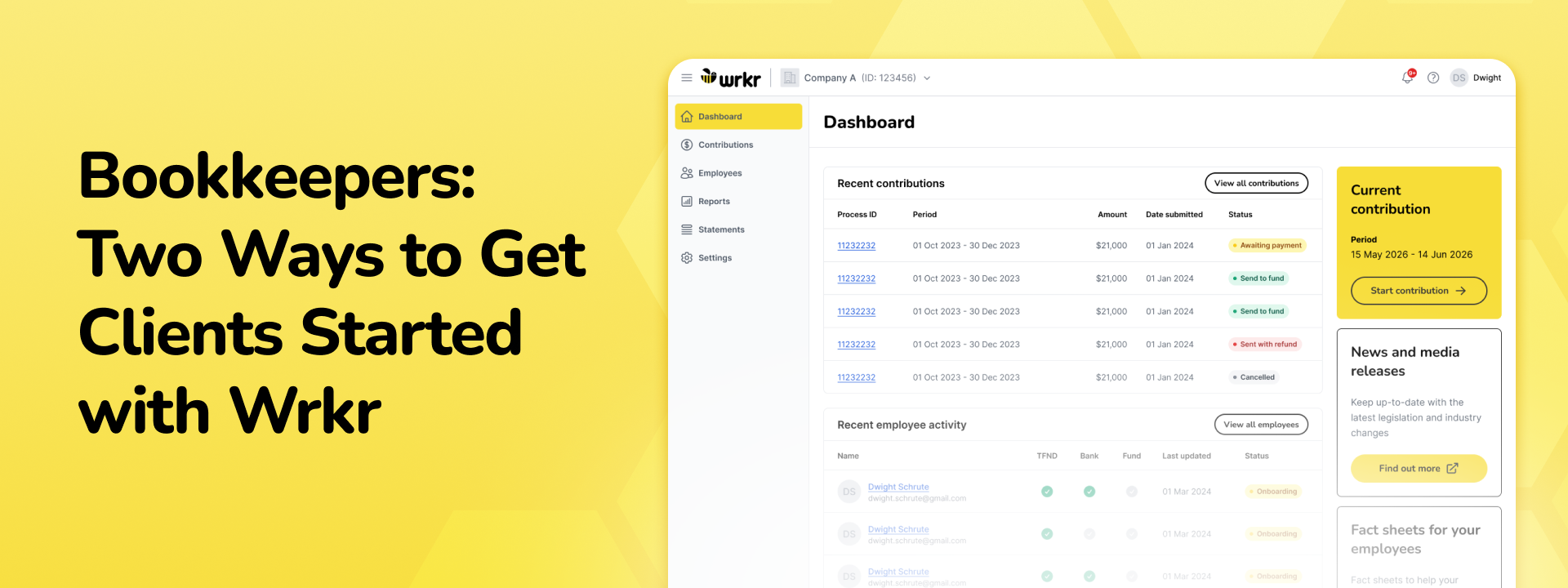
Getting started with Wrkr looks a little different depending on who's managing. If you're a bookkeeper handling super for multiple clients, there's a setup path built specifically for you. And if you're an employer who wants to get your own organisation running before handing things over to your bookkeeper, there's a clear process for that too. Here's how each one works.
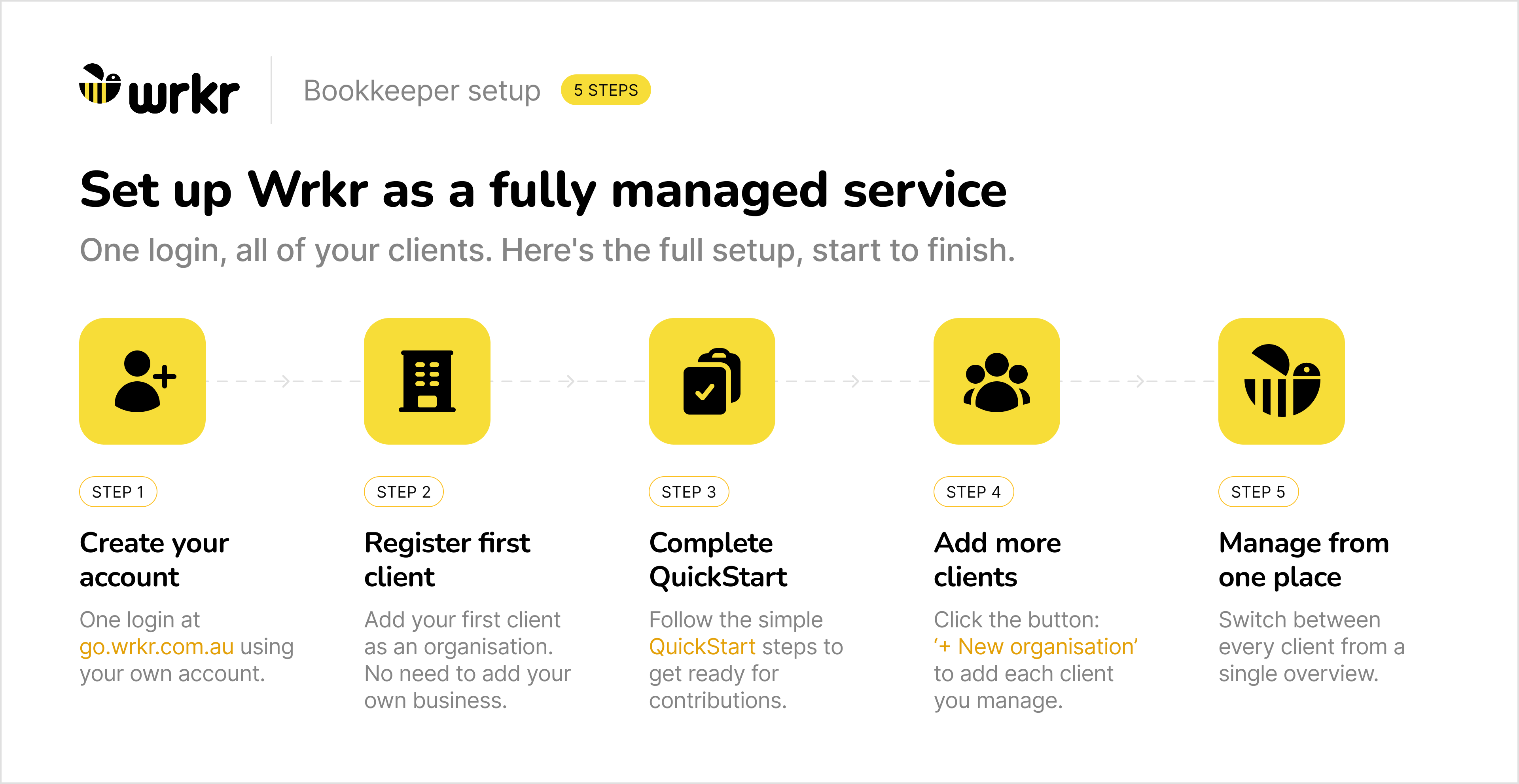
Option 1: Bookkeeper-managed setup
This option is for bookkeepers who want to run super contributions on behalf of all their clients from a single login.
Start by creating your user account at go.wrkr.com.au. It's worth knowing that this login is yours personally, it's not tied to any individual client's business, so you only ever need one account no matter how many clients you manage.
Once you're in, you'll be prompted to register your first client as an organisation. You don't need to add your own business here, skip straight to your clients. After registering your first client, work through the QuickStart guide in Settings to make sure everything is configured correctly and you're ready to start processing contributions. You can always come back to Settings later to update details or adjust configuration.
Adding more clients from there is simple. Use the dropdown under your first organisation's name, select "View all Organisations", and hit the "+ New Organisation" button. Repeat that process for every client you manage. When you log in going forward, you'll land on a single overview page where you can switch between all of your client organisations without juggling separate logins or accounts.
Option 2: Employer setup with bookkeeper access
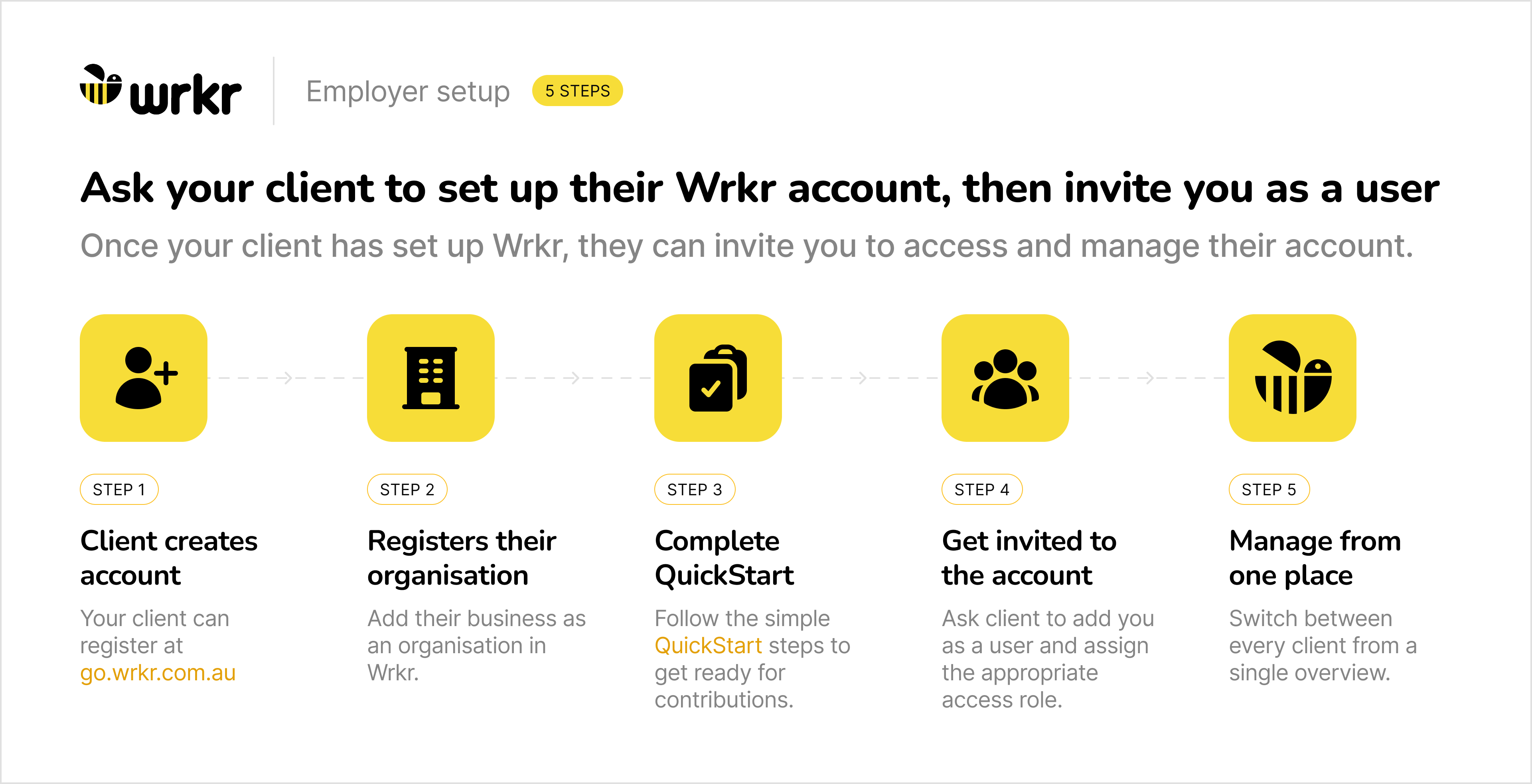
This option is for employers who want to get their own Wrkr organisation up and running first, then invite their bookkeeper in to manage it on their behalf.
The first steps are the same, create your account at go.wrkr.com.au and register your own business as an organisation. From there, work through the QuickStart guide in Settings to get your organisation fully configured and ready to process contributions.
Once your setup is complete, head to Settings, select Users, and invite your bookkeeper by email. Assign them the Org Admin role, which gives them everything they need to manage the organisation on your behalf. They'll receive an invite to their inbox, if they already have a Wrkr account under that email, they'll be taken straight to login. If not, they'll be prompted to create one.
One thing to keep in mind: if your business has branches or subsidiaries, your bookkeeper won't automatically have access to those. You'll need to invite them to each one separately through the organisation hierarchy in Settings.
User roles and authority
Wrkr lets you control who can do what inside your organisation. There are four roles: Org Admin, Contributions User, Contributions Authoriser, and Org Read Only, each with a different level of access.
The one worth knowing about is the Contributions Authoriser. This role exists purely to approve and submit contributions. If you set up an authorisation flow, nothing goes out until an Authoriser signs off on it. You can have more than one, which is handy if you want a second set of eyes on payments or need cover when someone's unavailable.
If you don't need that extra step, Org Admins and Contributions Users can submit contributions directly.
Need to pay super for your own employees too?
If you're a bookkeeper who also employs staff, or needs to pay super for yourself, you can use Wrkr for that too. Just add your own business as an organisation under the same login you use for your clients. Your own team sits alongside your client organisations in the same place, managed the same way. No separate account needed.
This means super becomes part of your regular payroll process. You’ll need a system that can handle frequent submissions, maintain accurate employee data, and provide visibility over payment status, not just at quarter end.
A centralised approach, with multi-entity access, bulk processing, and clear visibility over submissions, fund receipt, and any issues, becomes critical to keeping things running smoothly.