If you are integrating Wrkr with a payroll provider, your provider may already be integrated with us. Please refer to this guide for more information.
If your payroll provider is not one of the ones listed in the guide, you can proceed to sign up for Wrkr.


Paying Super for Contractors in Australia with Wrkr

Paying super for contractors is one of those obligations that catches businesses off guard. Most assume super is only for traditional employees. But under Australian superannuation law, if you engage an independent contractor wholly or principally for their personal labour and skills, you are legally required to pay them the 12% Superannuation Guarantee (SG). This applies even if they invoice you through their own ABN.
If you are feeling the pressure of managing this on top of your regular payroll obligations, you are not alone.
Why Contractor Super Is Such a Headache
For most finance and payroll departments, traditional employees are easy to manage. They sit neatly in your payroll software, they are paid on a predictable weekly or fortnightly schedule, and their super is automatically calculated by the system.
Contractors, however, are a completely different story. Managing their super obligations creates a massive administrative bottleneck for three major reasons.
The Payroll vs. Accounts Payable Disconnect
Traditional employees are handled by the payroll team. Independent contractors are typically handled by the Accounts Payable (AP) team, paid via invoices, milestones, or irregular project completion dates. Because these two departments often operate in separate silos, the payroll team rarely has real-time visibility into when a contractor's invoice is approved and paid.
Under Payday Super rules, the moment that invoice is processed by Accounts Payable, a strict 7-business-day countdown begins for that contribution to hit the contractor's fund. If AP pays a contractor's invoice on a Friday afternoon and does not notify payroll until the following week, the window to meet compliance is already dangerously small.
"Ghost" Employees in Your Payroll System
To bypass this data gap, many businesses resort to forcing contractors into their standard payroll software as "ghost employees" just to generate a super line item. This creates a mess of messy data, distorts your true employee headcount, interferes with Single Touch Payroll (STP) reporting, and adds manual data entry that invites human error.
Most Clearing Houses Were Not Built for This
The majority of clearing houses on the market are built with only traditional employees in mind, forcing business owners to seek out separate workarounds for contractors. The result is two systems, two workflows, and twice the admin.
How Wrkr Bridges the Gap
Wrkr eliminates this friction by providing a unified clearing house built to ingest data from both sides of your business, without forcing you to change your existing software footprint.
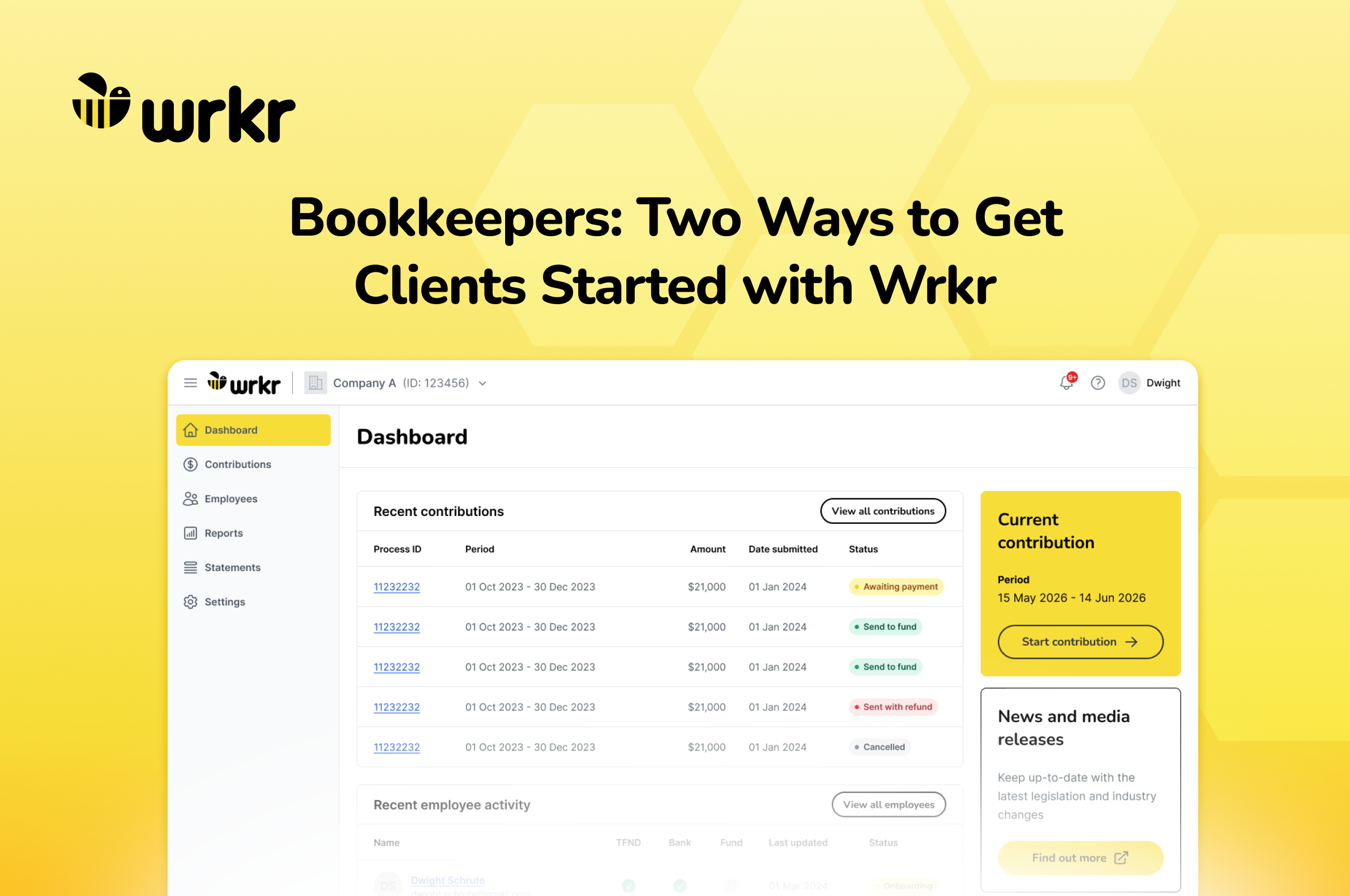
If you hire contractors who are eligible for super, Wrkr lets you process both employee and contractor obligations in one secure platform.
You do not need to purchase separate software or bolt-on modules to handle your independent contractors. Contractors do not need to be set up as fake employees in your core payroll system just to process their super. You can upload and manage their obligations directly within Wrkr alongside your standard pay runs, or on their own schedule.
By funnelling both streams into one platform, your payroll team gets immediate visibility over every upcoming compliance deadline, ensuring no contractor invoice slips through the cracks. Authorise your standard employee pay run super and your ad hoc contractor super simultaneously, eliminating double handling.
For businesses with more complex structures, Wrkr's parent-child branch setup lets you use the same single ABN to keep your regular employee pay runs entirely distinct from your contractor processing schedules, all from a single login.
Frequently Asked Questions
Do I have to pay super for all contractors?
Not necessarily. The obligation applies when a contractor is engaged wholly or principally for their personal labour and skills. If you are unsure, the ATO has a superannuation guarantee eligibility tool worth checking, or speak to your accountant.
What happens if I miss a payment?
Missing a payment means you may be liable for the Superannuation Guarantee Charge (SGC), which is calculated on total salary or wages rather than ordinary time earnings, and is not tax deductible. Getting your workflow right upfront is far cheaper than fixing it after the fact.
Can I just use my existing payroll software?
Most payroll platforms are not set up to handle contractors super natively. Wrkr sits alongside your existing software as a clearing house, so you do not need to replace anything. You simply upload contractor data directly into Wrkr, no ghost employees required.
How does Wrkr work alongside my existing payroll software?
Wrkr sits alongside whatever payroll software you already use, as a dedicated clearing house. You do not need to replace anything. Employee super flows through from your payroll as normal, and contractor obligations get uploaded separately into Wrkr, with both streams visible from the one dashboard.
What information do I need to pay super for a contractor?
You will need the contractor's full name, tax file number (TFN), super fund details (fund name, USI, and member number), and the payment amount the contribution is calculated on. Most clearing houses, including Wrkr, let you upload this via a simple file or enter it directly into the platform. Getting these details from contractors upfront, ideally before their first invoice is paid, saves a lot of chasing later.
Can I just process contractors through Wrkr if I have no employees to process?
Yes! Wrkr is flexible and can handle Contractors easily regardless of your preferences with employees.
Get started in under 7 minutes
Contractor super does not have to be complicated. Wrkr is built for businesses that need to get it right, fast.
Join the hive and get set up today.
This means super becomes part of your regular payroll process. You’ll need a system that can handle frequent submissions, maintain accurate employee data, and provide visibility over payment status, not just at quarter end.
A centralised approach, with multi-entity access, bulk processing, and clear visibility over submissions, fund receipt, and any issues, becomes critical to keeping things running smoothly.