Wrkr | Built on Workday

Australian TFN and super compliance, inside Workday

Wrkr TFN & Super Compliance embeds directly into Workday onboarding, automating TFN checks, tax declaration submission and stapled fund lookup so employees are payroll-ready before their first pay run.
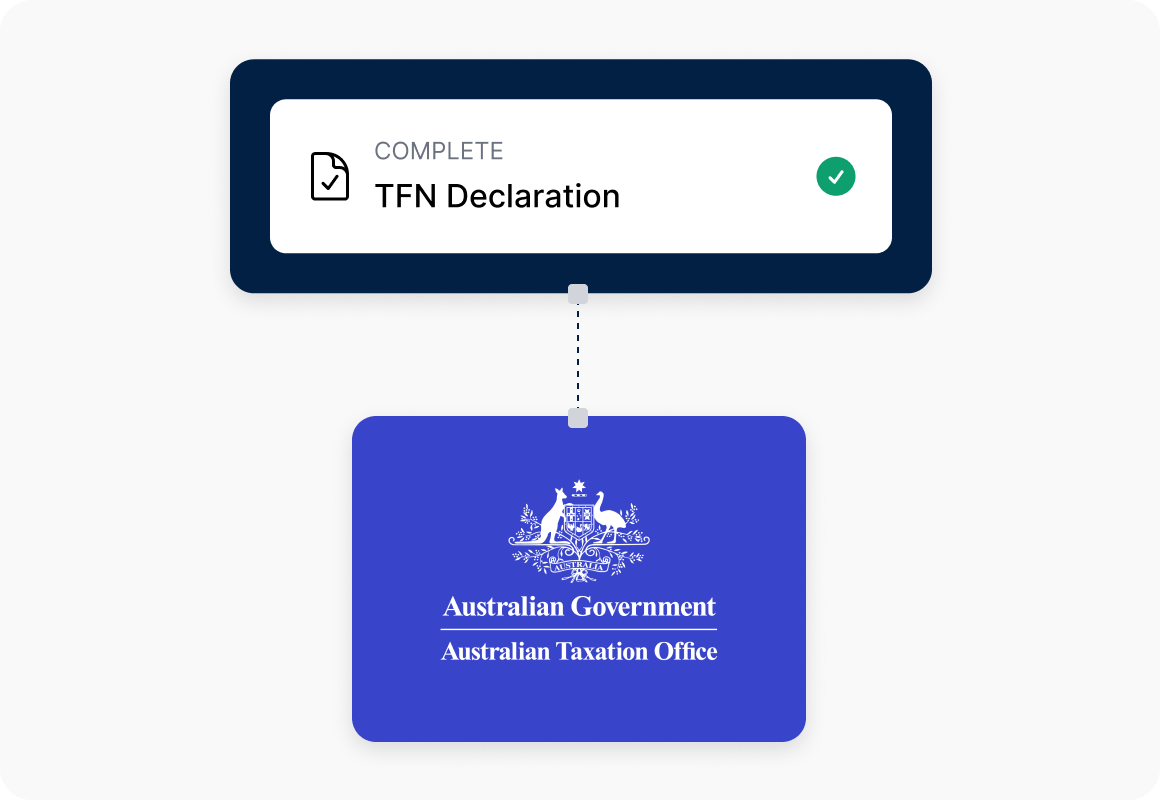
TFN validation and ATO declaration submission
Super fund selection and stapled fund lookup
Salary sacrifice elections during onboarding
Compliance dashboard and audit trail
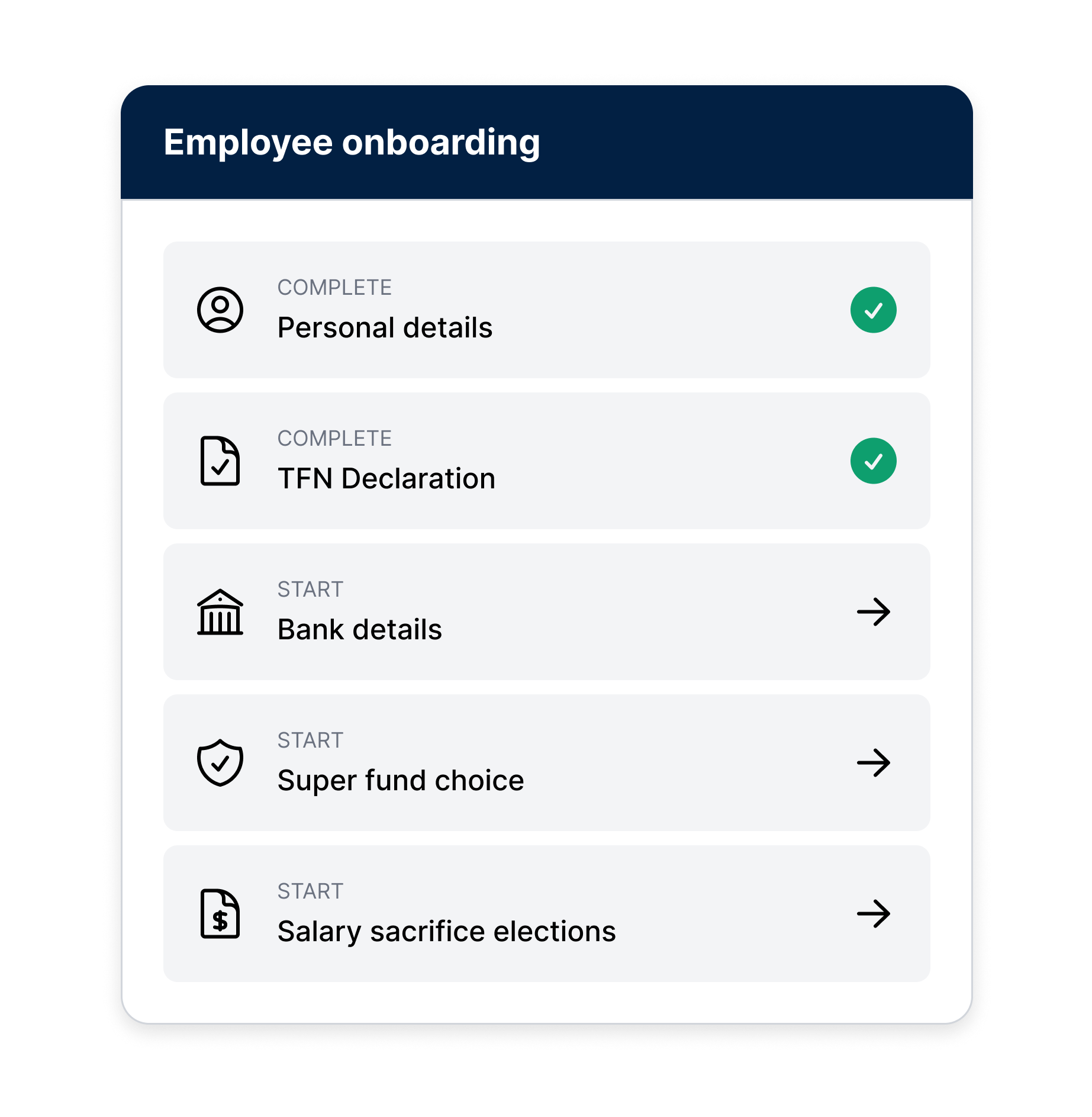
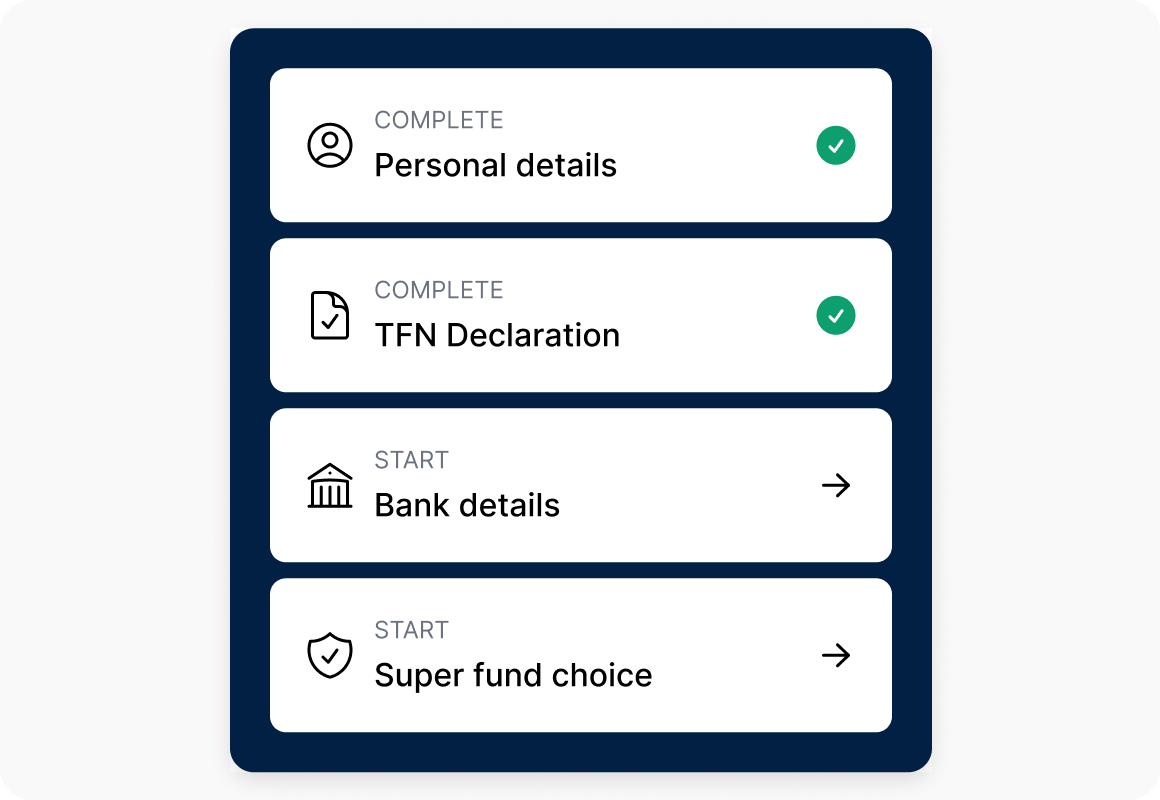
Captures TFN details inside Workday, validates with the ATO, and automatically lodges the Tax File Number Declaration.
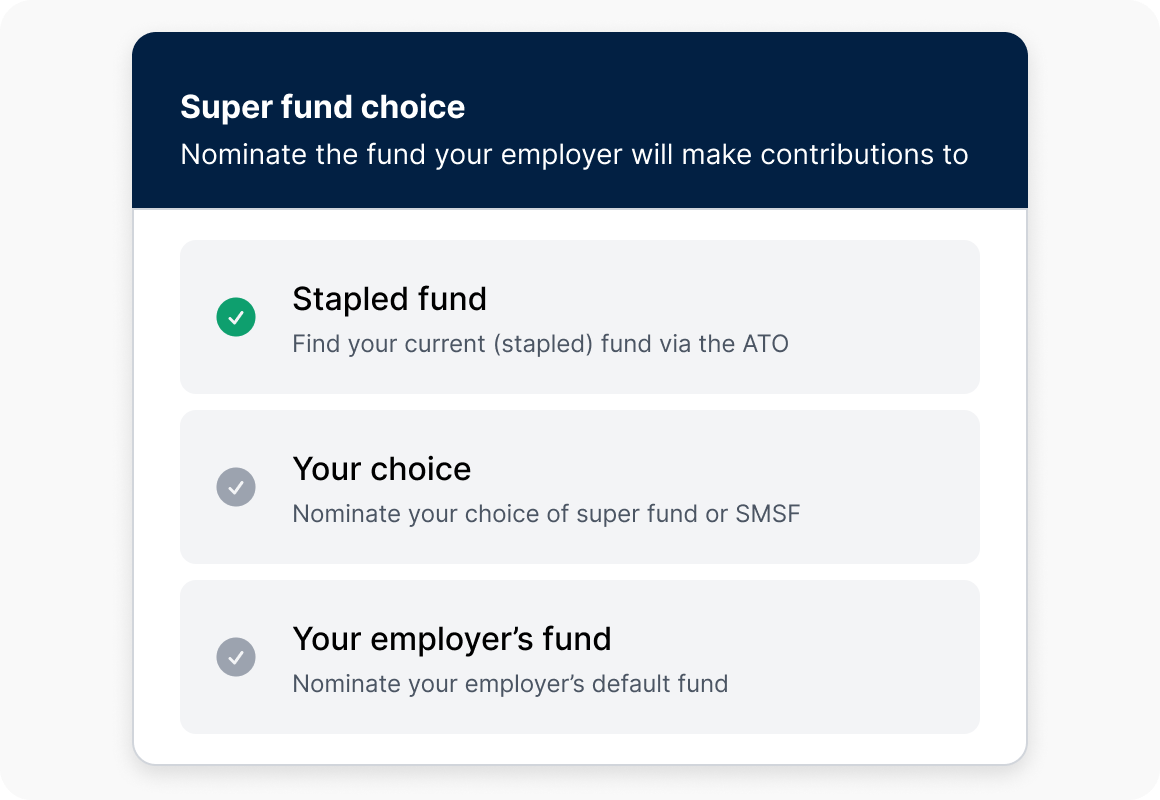
Retrieves the employee's stapled fund from the ATO and guides them through super fund selection, APRA fund, SMSF, or company default.
Captures regular and ad hoc salary sacrifice elections during onboarding and passes them directly into Workday payroll.
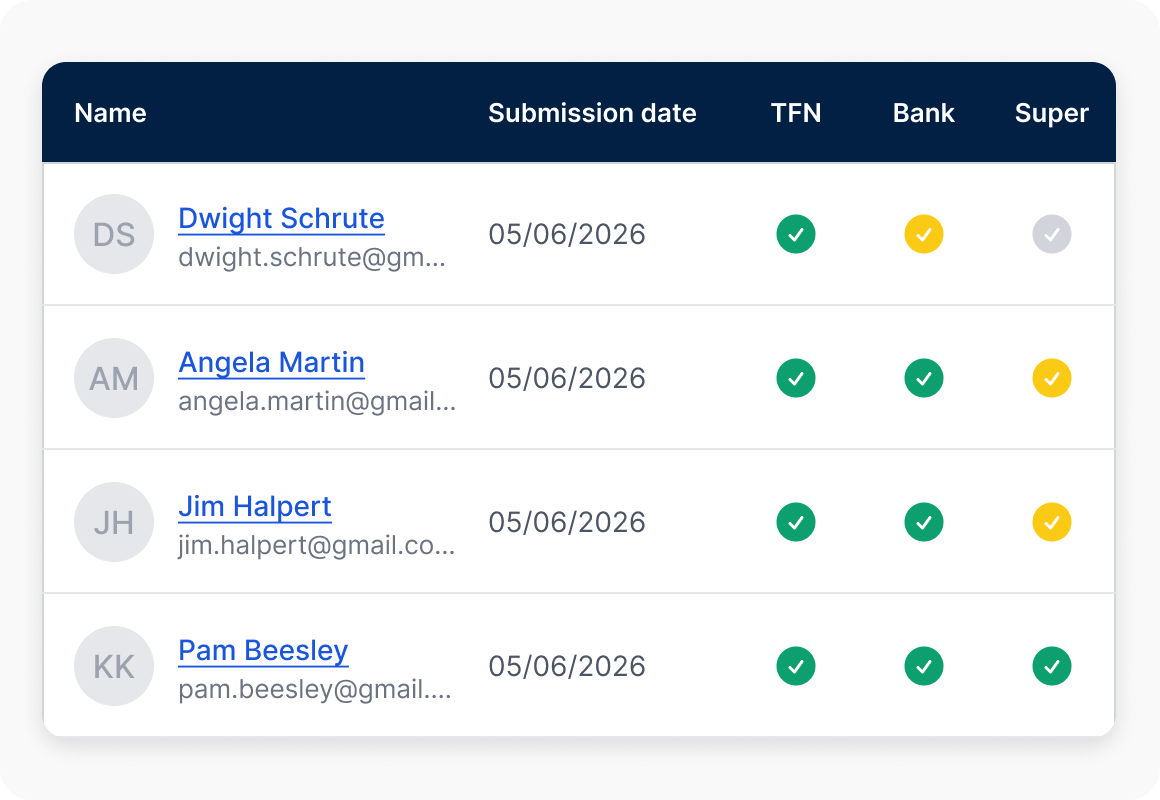
Tracks onboarding progress, TFN validation outcomes, and super compliance status in one place, with full audit trails.
Employee data and TFN capture
Capture employee details at onboarding, including TFN declarations and required payroll information, so records are complete and ready for reporting from the start.
Super fund selection
Capture super fund details, including stapled fund and employee choice, so contributions can be processed correctly without rework later.
Identity and banking verification
Verify employee identity and banking details in real time, ensuring sensitive information is accurate before it flows into payroll and payments.
Branded digital employee onboarding
Deliver a branded onboarding experience that allows employees to securely complete and submit onboarding requirements online, helping businesses get payroll, super and reporting workflows set up correctly.
THE PROBLEM
Australian super and TFN compliance often relies on manual processes during onboarding, leaving HR and payroll teams managing separate tools, follow-ups and duplicate data entry before an employee's first pay run.
Wrkr x Workday Solution
Wrkr extends Workday with a digital workflow for Australian super and TFN compliance, validating data against the ATO at the point of capture and passing it directly into payroll, no duplicate entry.
Everything Australian compliance requires, embedded in Workday onboarding.
Digital onboarding workflows
TFN declaration, super fund selection and salary sacrifice nomination, all completed digitally inside Workday, no separate tools, no paper forms, no manual follow-up.
ATO-connected verification
and validation
TFN details are validated and lodged with the ATO automatically, and the employee's stapled fund is surfaced in real time, so errors are caught before they reach payroll, not after.
Clean data into payroll from day one
Every employee arrives in payroll with TFN verified, super fund confirmed and salary sacrifice locked in. Employees can select their stapled fund via the ATO, nominate their own fund or SMSF, or default employer fund.
Full visibility before the pay run
HR and payroll teams get a clear view of onboarding status across the workforce, who's done, who's pending, who needs action, before it becomes a payroll problem."
Together, Workday and Wrkr help organisations capture employee information once, complete Australian compliance digitally, and use that data across payroll, super and the employee lifecycle.
Compliance
Enterprise-grade security
and compliance infrastructure
Wrkr combines secure infrastructure, regulated gateway connectivity and enterprise-grade controls to support payroll, onboarding and super obligations at scale. With ATO-connected workflows, audit trails and recognised security standards.
Frequently asked questions
What does Wrkr Super TFN Declaration add to Workday?

It extends Workday onboarding with Australian-specific compliance steps that aren't natively available, TFN declaration and ATO lodgement, stapled fund lookup, super fund selection (including APRA, SMSF and default), salary sacrifice elections and real-time identity and banking verification. Everything happens inside Workday, not in a separate tool.

How does Wrkr connect with the ATO?

Wrkr connects securely to the ATO as a registered tax agent gateway. TFN declarations are validated against ATO records in real time during onboarding and lodged automatically. Stapled super fund lookups also run through the same ATO connection, so the correct fund is identified before the employee makes a choice.

Where can I find it in the Workday Marketplace?

Wrkr Super TFN Declaration is listed on the Workday Marketplace as a Built on Workday app. You can find it at marketplace.workday.com or contact us to arrange a demo.

What Workday products are required for the Wrkr integration?

Wrkr requires Workday Core Human Capital Management (Core HCM) and works with Core HCM and the Global Payroll Connector to securely transfer employee information into Wrkr.

Is deployment included with the integration?

Yes. Deployment is included with your Wrkr app purchase, so there are no additional deployment services required for the standard implementation.

Does Wrkr replace Workday?

No. Wrkr extends Workday by adding the Australian super and tax compliance processes digitally, including TFN checks, automated declarations and super stapling plus other employee onboarding compliance obligations.