Same ClickSuper,
now powered by Wrkr

ClickSuper continues to provide the services you use today, supported by Wrkr’s payments and compliance technology.
Your account and login remain unchanged. Continue using ClickSuper as usual or find the service or information you need below.
Your login is unchanged
Continue using ClickSuper as usual
We’ll keep you informed
Continue using the same ClickSuper login details you use today. Your account, employers and contribution history remain available, with no need to create a new account or change how you log in.
You can continue managing your existing ClickSuper services as you do today. There’s nothing you need to move, update or set up differently.
If anything changes that affects your account, login or the way you use ClickSuper, we’ll contact you directly ahead of time with clear information on what’s changing and what you need to do.
Timestamped contribution timelines
Track every contribution from submission through to fund confirmation, with a structured, timestamped timeline showing what’s processed, pending or requires attention.
Submit and pay your way
Create and submit contributions via file upload, or manual entry with flexible payment options to suit how your business or clients operate.
Built-in error checks and in-line editing
Identify issues before submission and manage returned or failed payments in one place, with clear visibility into what went wrong and how to resolve it.
Multi-business access and control
Manage multiple businesses or clients from one secure login, with controlled access for payroll teams and bookkeepers across every contribution.
Black rounded shape with a quarter circle cut out on the top left corner.
Minimalist icon of a right angle with a subtraction symbol inside the corner.
Looking for ClickSuper products, services or support?
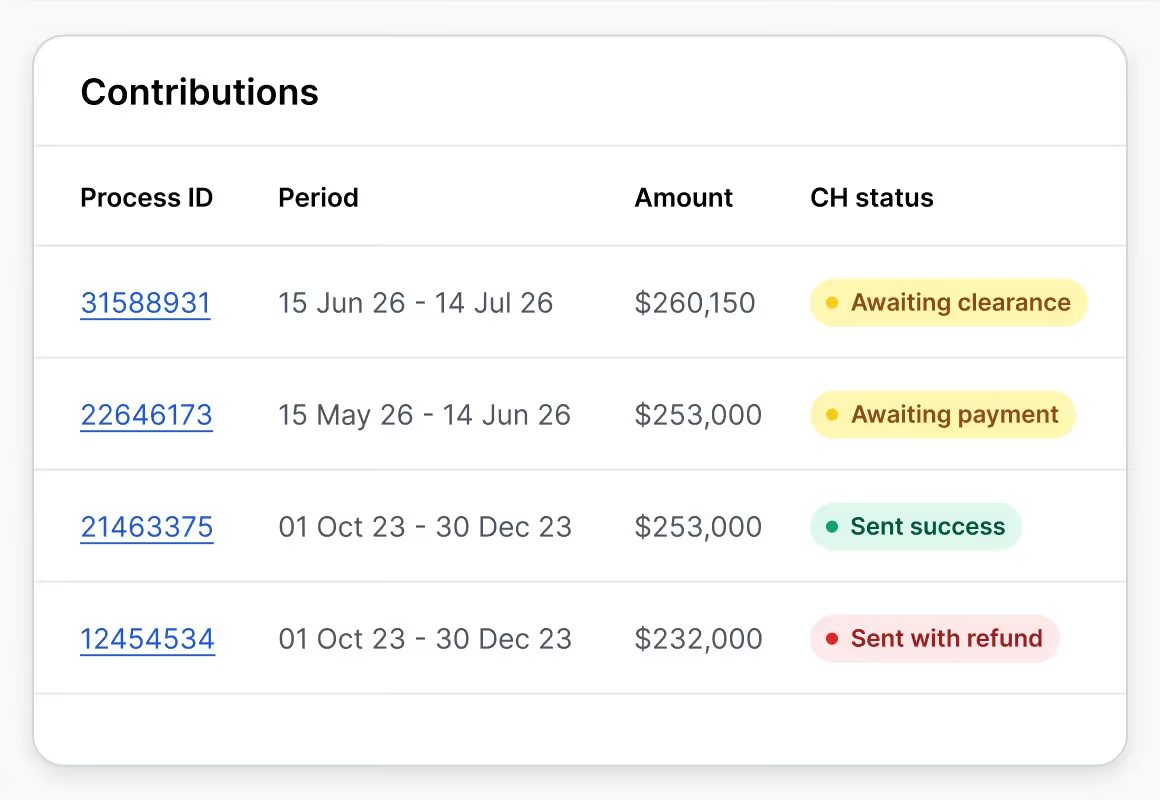
Super contributions
Continue managing and paying your super contributions through ClickSuper. Log in below to access your existing account.
Table showing contributions with process IDs, periods, amounts, and CH status including awaiting and sent statuses.
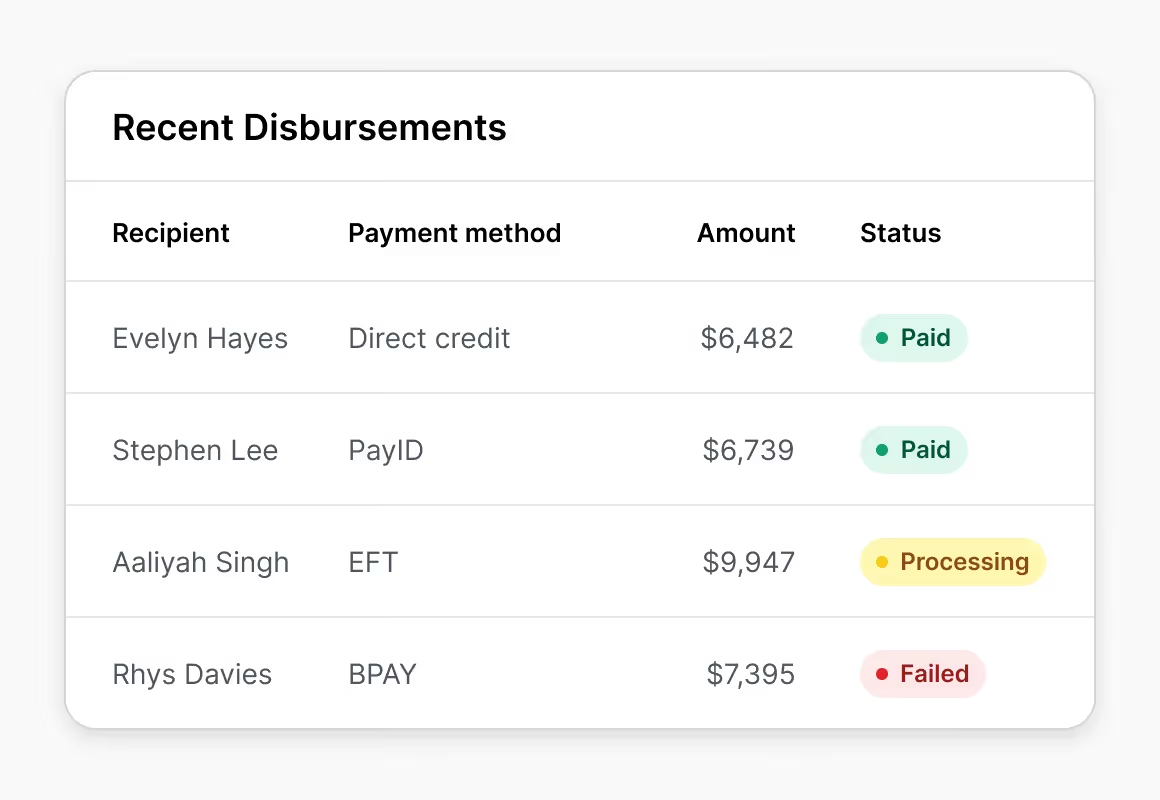
Wages & disbursements
You can continue managing wages and disbursements through ClickSuper as usual. Log in to access your existing account.
Table of recent disbursements with recipients, payment methods, amounts, and statuses paid, processing, or failed.
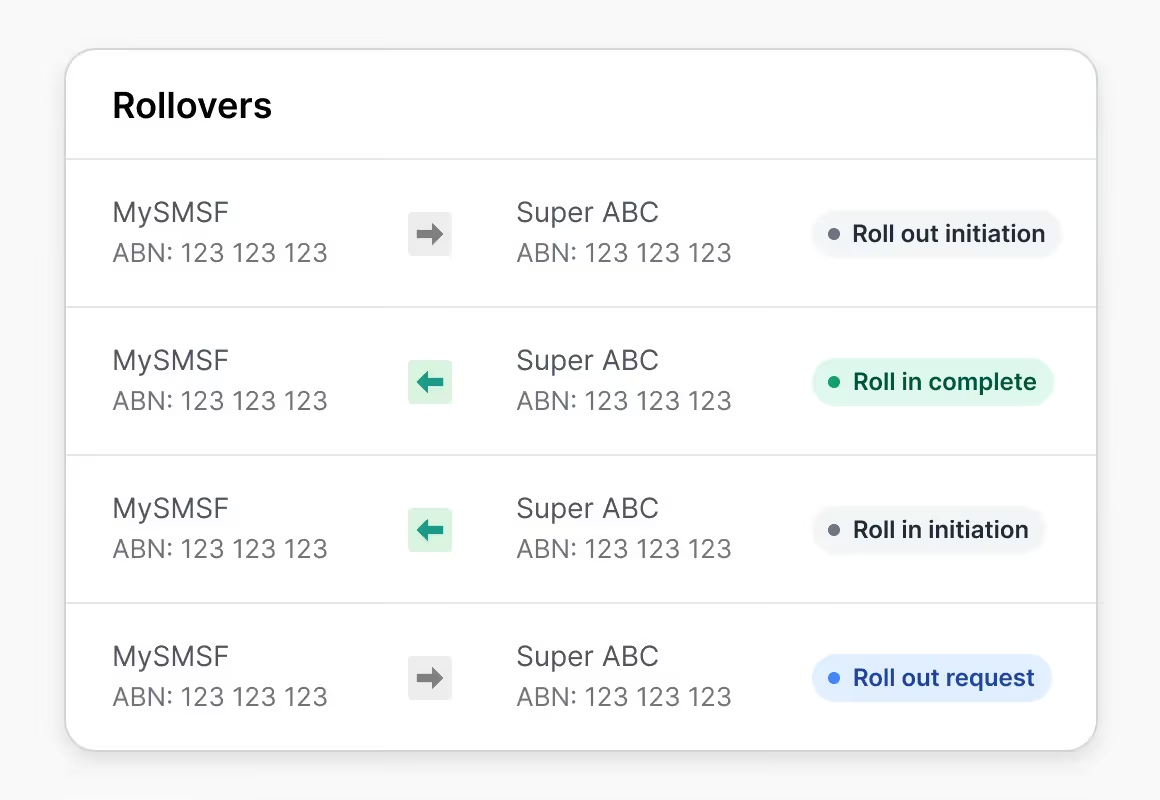
SMSF Hub
Self-managed super funds (SMSFs) cannot log in through ClickSuper. If you already use the Wrkr SMSF Hub, log in to access your account. If you need an ESA, register with Wrkr to gain access to the SMSF Hub.
Table listing rollovers between MySMSF and Super ABC accounts with statuses like Roll out initiation and Roll in complete.
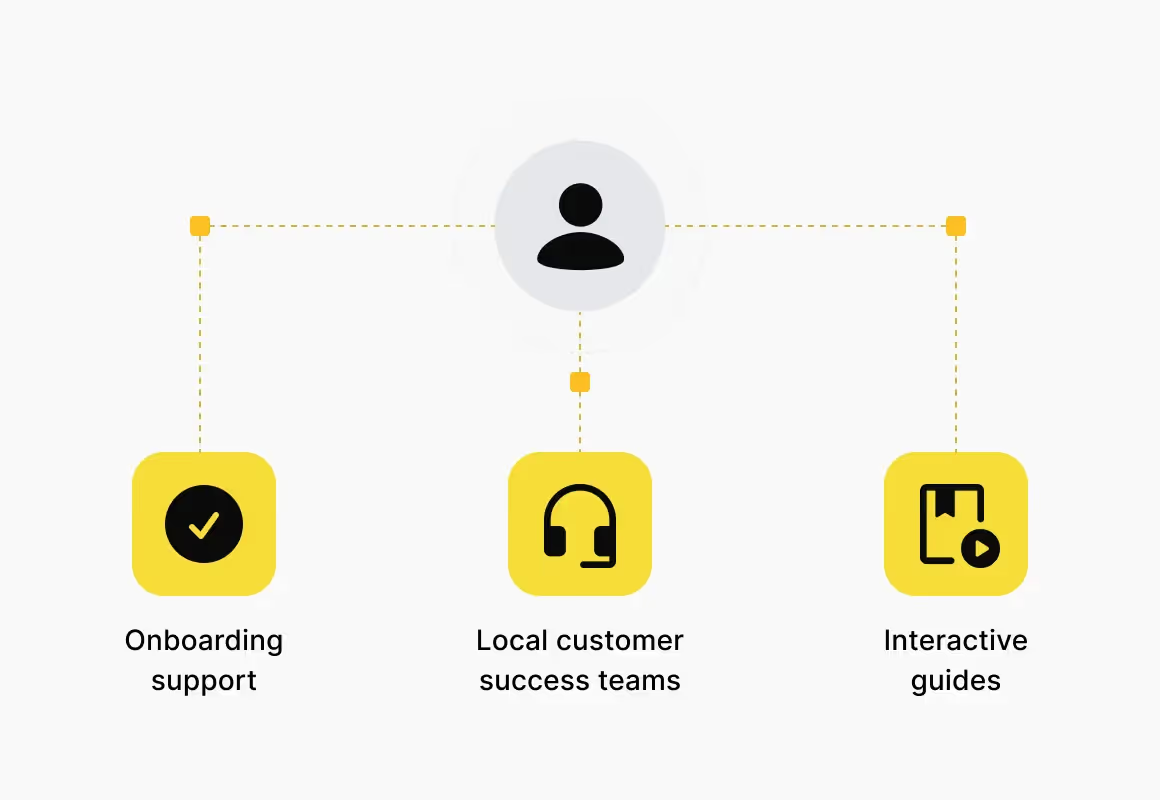
ClickSuper support
Forgotten your username or need help with your ClickSuper account? Our support team is available to assist with any questions or account issues. Please include your ABN in your enquiry so our team can assist you promptly.
User icon connected to onboarding support, local customer success teams, and interactive guides icons.
Compliance
Enterprise-grade security
and compliance infrastructure
Wrkr combines secure infrastructure, regulated gateway connectivity and enterprise-grade controls to support payroll, onboarding and super obligations at scale. With ATO-connected workflows, audit trails and recognised security standards.
Frequently asked questions
Can I still use ClickSuper?

Yes. ClickSuper remains supported and Payday Super compliant. You can continue using it as usual, including super contributions, and for paying wages and disbursements.

How do I login, and to my details still work?

Use the Super Contributions login button above. Your existing username and password work as they always have, nothing's changed. If you've forgotten your username or can't log in, contact support above and include your ABN so the team can find your account quickly.

How do I reach support?

Visit the ClickSuper Help Centre or use the contact support button above. Include your ABN so the team can assist you quickly.

Do I need to migrate from Clicksuper to Wrkr?

You may be prompted to migrate to Wrkr at some point, but we'll be in touch directly if and when that happens. Until then, you can keep using ClickSuper as usual.

I use SMSF Hub, not ClickSuper, where do I go?

SMSF Hub is separate from ClickSuper. If you're already a Wrkr SMSF Hub user, log in via the SMSF Hub button above. Need access as an ESA? Register with Wrkr to get set up.